Lens Explorer Asset Requirements
The video, icon, tile thumbnails, and detail page previews a SPECS Lens needs in Lens Explorer, with sizes and aspect ratios.
General
Every Lens needs at least:
- 1 video
- 1 icon
- 1 tile thumbnail
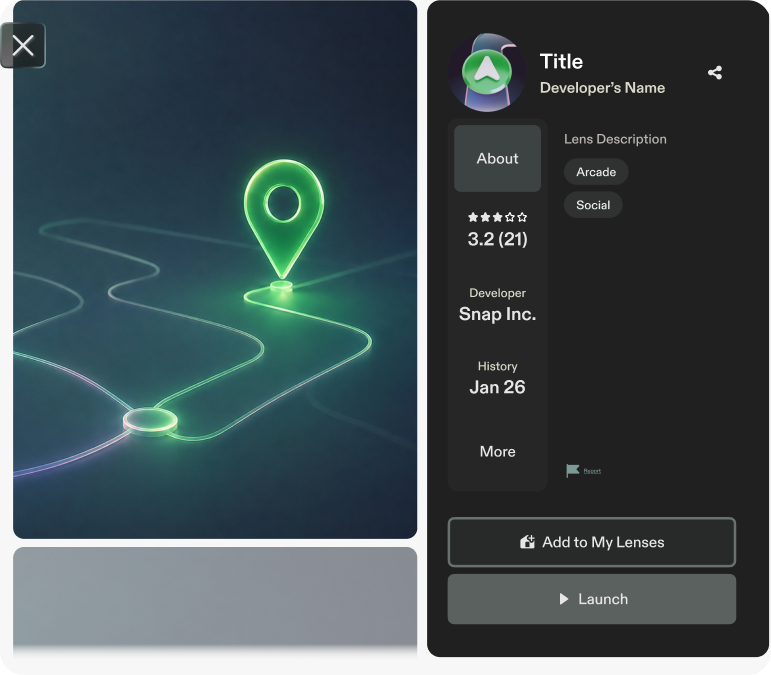
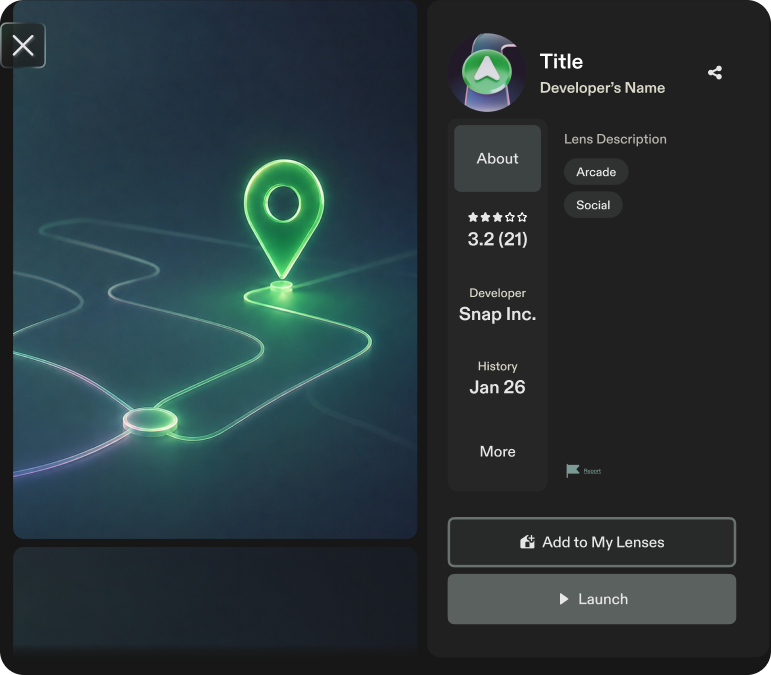
- 4 previews for the Lens detail page. One must be a video; the other three can be images or videos.
You can add up to 10 media files in total (videos and images combined) for the detail page. The tile thumbnail doesn't count toward that total.
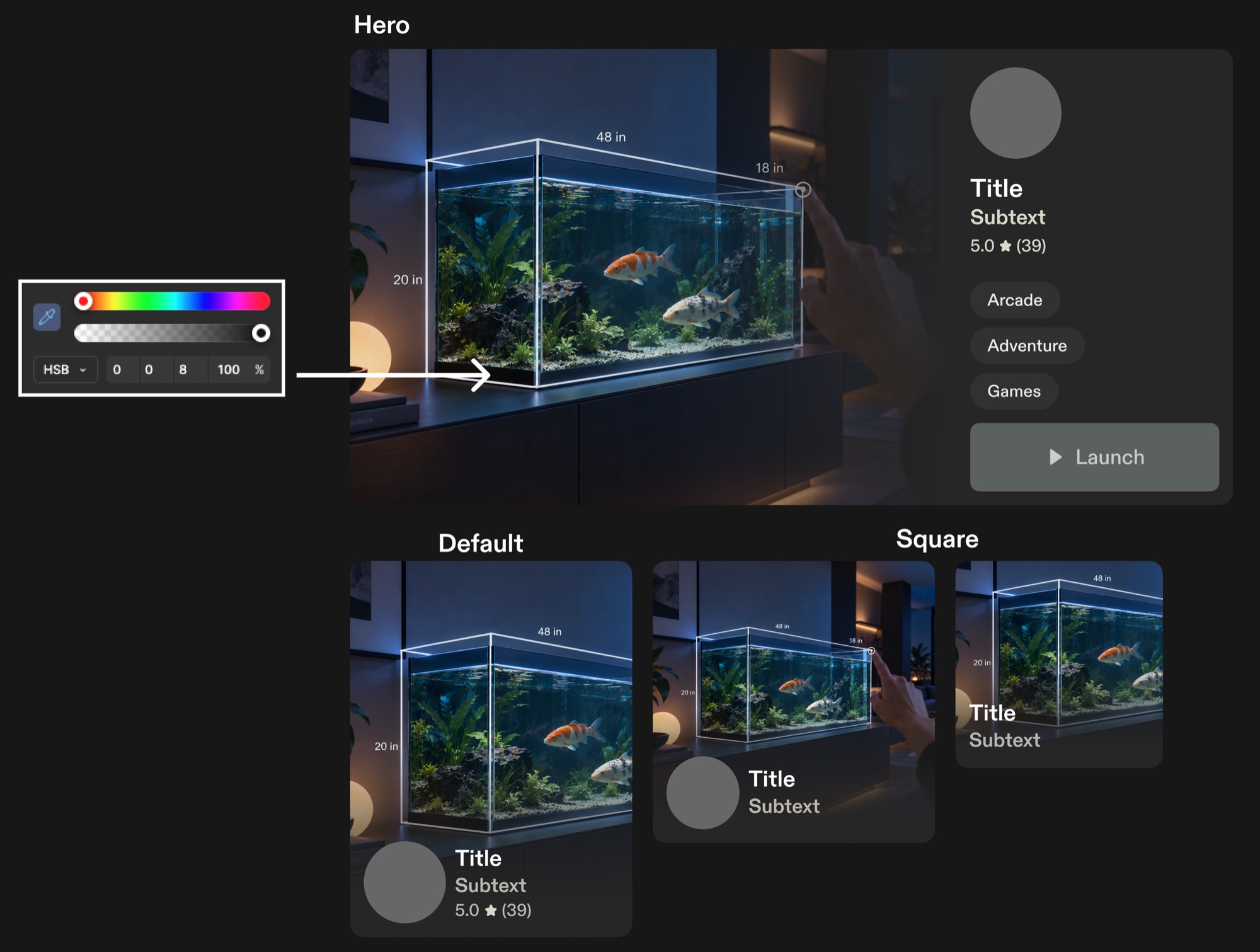
The hero tile is shown in the Discover section of Lens Explorer only if your Lens is featured.
Add tags to your Lens to make it easier to discover.
Tile thumbnails
Tile thumbnails are displayed only in Lens Explorer.
| Tile | Aspect ratio | Minimum size | Recommended size |
|---|---|---|---|
| Default | 3:4 | 504 × 672 px | 600 × 800 px |
| Square | 1:1 | 504 × 504 px | 512 × 512 px |
| Hero | 4:3 | 1056 × 792 px | 1280 × 960 px |
| Universal image | 1:1 | 1056 × 1056 px | 1280 × 1280 px |
Give colors a brightness of at least 8% (HSB). Darker colors disappear on the additive display; see Additive Display and Color.
Icon
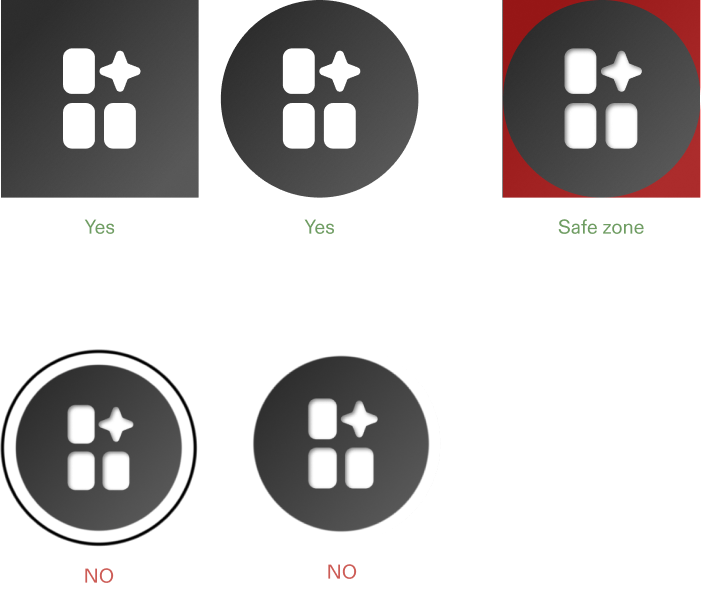
- Aspect ratio: 1:1
- Size: 320 × 320 px
- Safe area: leave padding around the icon so it still works if a circular mask is applied in the future.
- Quality: high resolution, with no visible compression artifacts.
For how to add the icon to your project, see Creating an Icon.
Lens detail page
Previews
- Aspect ratio: 3:4 (vertical)
- Recommended resolution: 1440 × 1920 px
- Use dedicated, unique images for the detail page. It doesn't include the tile thumbnail.
Video
- Aspect ratio: 3:4 (vertical)
- Count: at least 1
- Maximum duration: 30 seconds
- Recommended resolution: 1440 × 1920 px
For how to record one, see Creating a Preview Video.