Get Started with Snapchat
New to building Lenses for Snapchat? Learn what Lens Studio is, find your way around it, test your Lens in Snapchat, and find the key pages for building and publishing.
You build Snapchat Lenses with Lens Studio, the free AR development platform from Snap AR. Create selfie Lenses and shoppable try-on experiences, or invent new ways to connect with the world around you, then publish them to Snapchatters. Three steps take you from nothing to a Lens running in Snapchat on your phone.
- Install Lens StudioGet Lens Studio for macOS or Windows, and Snapchat on your phone. Download Lens Studio
- Start a projectThe Home window is where you open a Default Project, start from a template, or pick up a Lens you've already started. Lens Studio Home Page
- Preview in SnapchatPair Lens Studio with Snapchat on your phone, and every change you make shows up in the Lens as you edit it. Pairing to Snapchat
What you can build

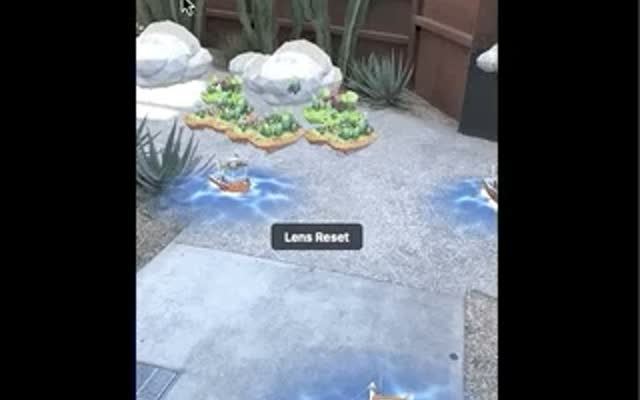


Build your first Lens
 Learn Lens Studio
The editor, its panels, and a learning path from your first Lens on.
 Add to your Lens
Assets, scripts, and features that connect a Lens to Snapchatters.
 Test as you build
Preview in the editor and on your phone, and keep your Lens fast.
 Prototype with Easy Lens
Describe a Lens in plain text and refine it through conversation.
Go further with Snapchat
Snap features that bring in Bitmoji, friends, saved data, remote assets, outside APIs, and landmarks.


