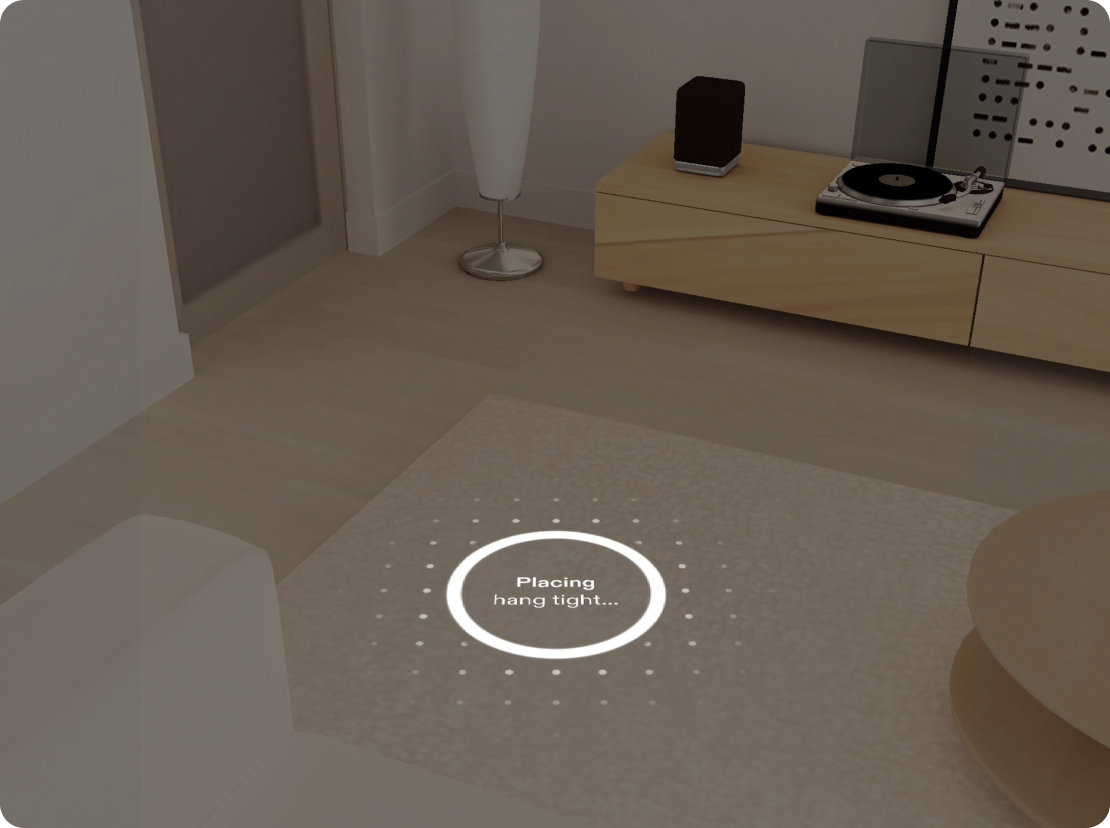
Surface Placement
Anchor content to real tables and floors so it feels stable, and choose between look-to-place and pinch-to-place.
Surface tracking lets SPECS detect and understand real-world flat surfaces, so virtual objects can be placed and stay anchored realistically in the physical environment.
How it works for the user
The user places a hand flat on the surface, or pinches to set the floor level. The Lens then knows where the surface is and anchors content to it.
Why use it
Objects that rest on a real surface feel stable and believable. Floating content drifts and asks the user to reposition it.
When to use it
Use it when you need to know where a surface is, such as a table for a board game, or where the floor is, such as a dance floor, a putting green, or anything the user stands on or walks around.
Types of placing interaction
- Look to place is fast for laying out many objects roughly.
- Pinch to place is precise, for one or a few objects whose exact spot matters.