Field of View
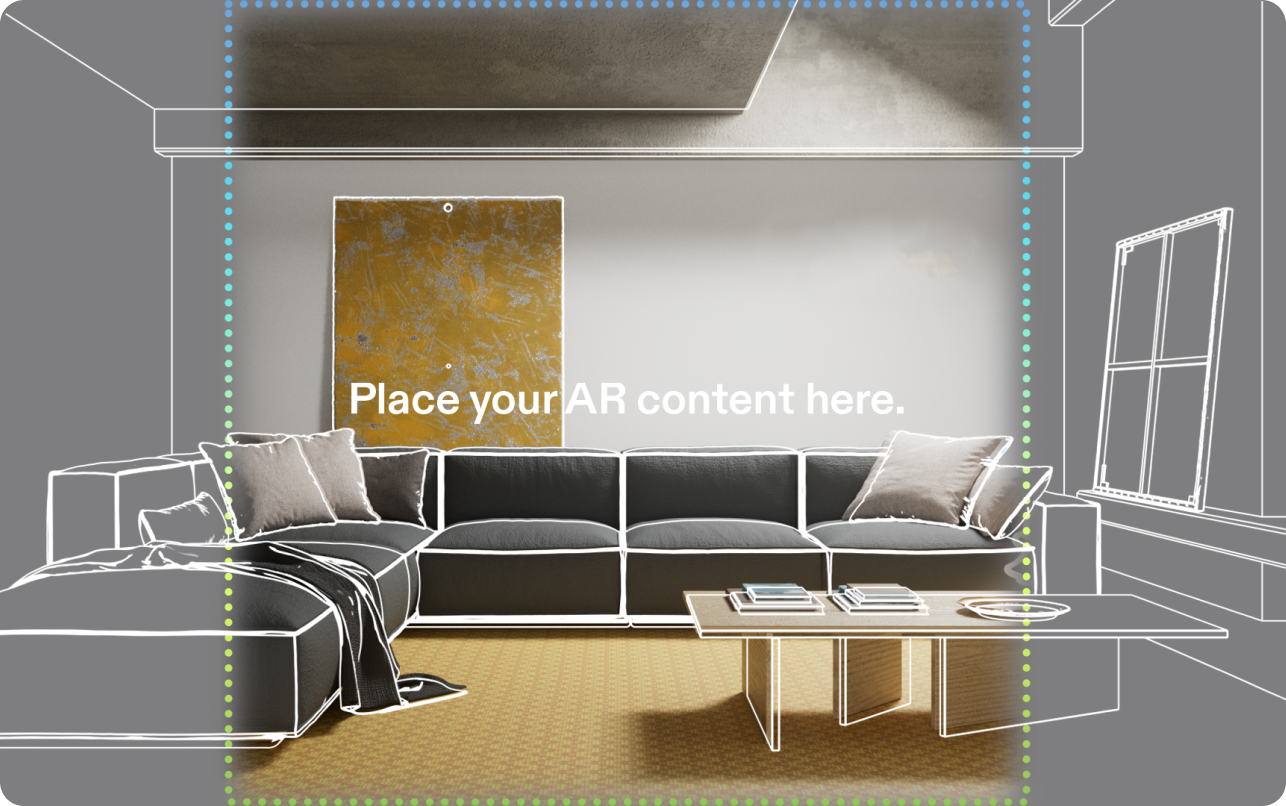
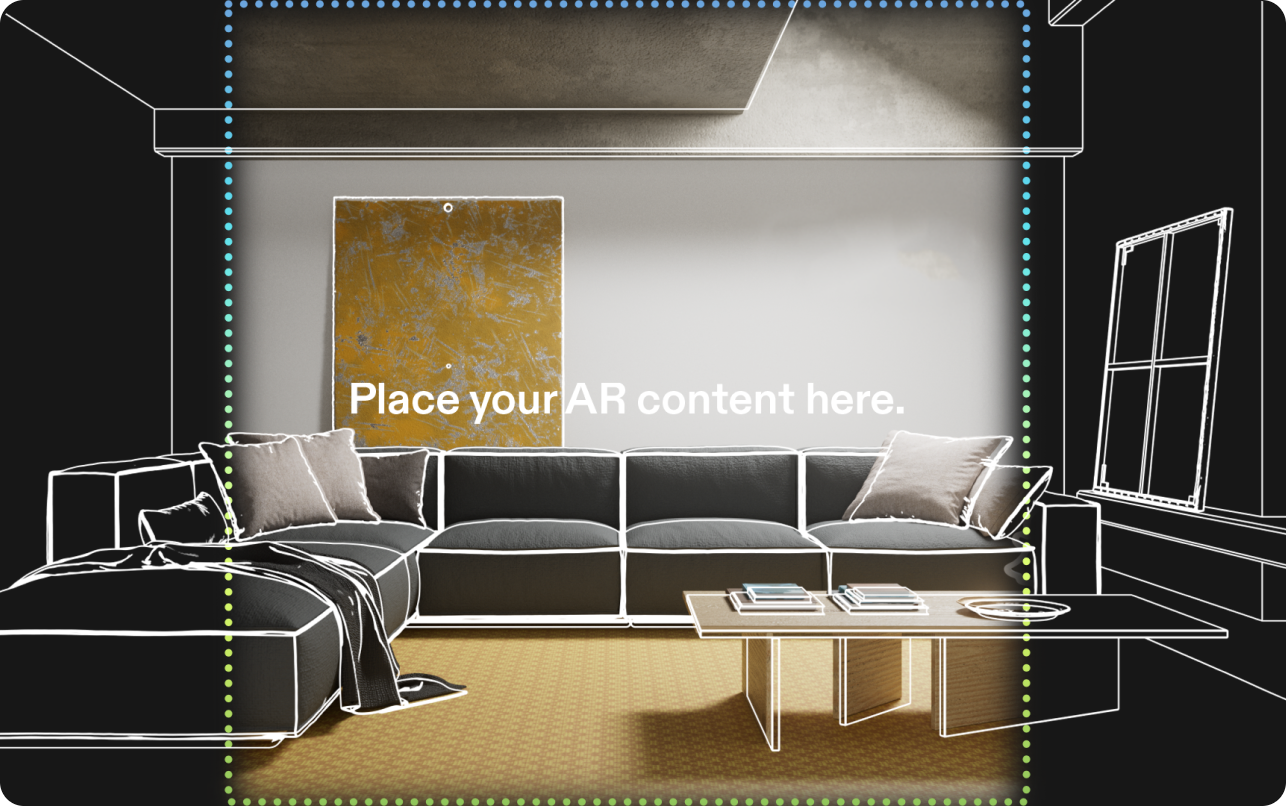
How much of the world the SPECS display covers, how its size changes with distance, and how to keep important content inside it.
Field of view (FoV) describes how much of the world, measured in degrees, the display can cover in front of your eyes.
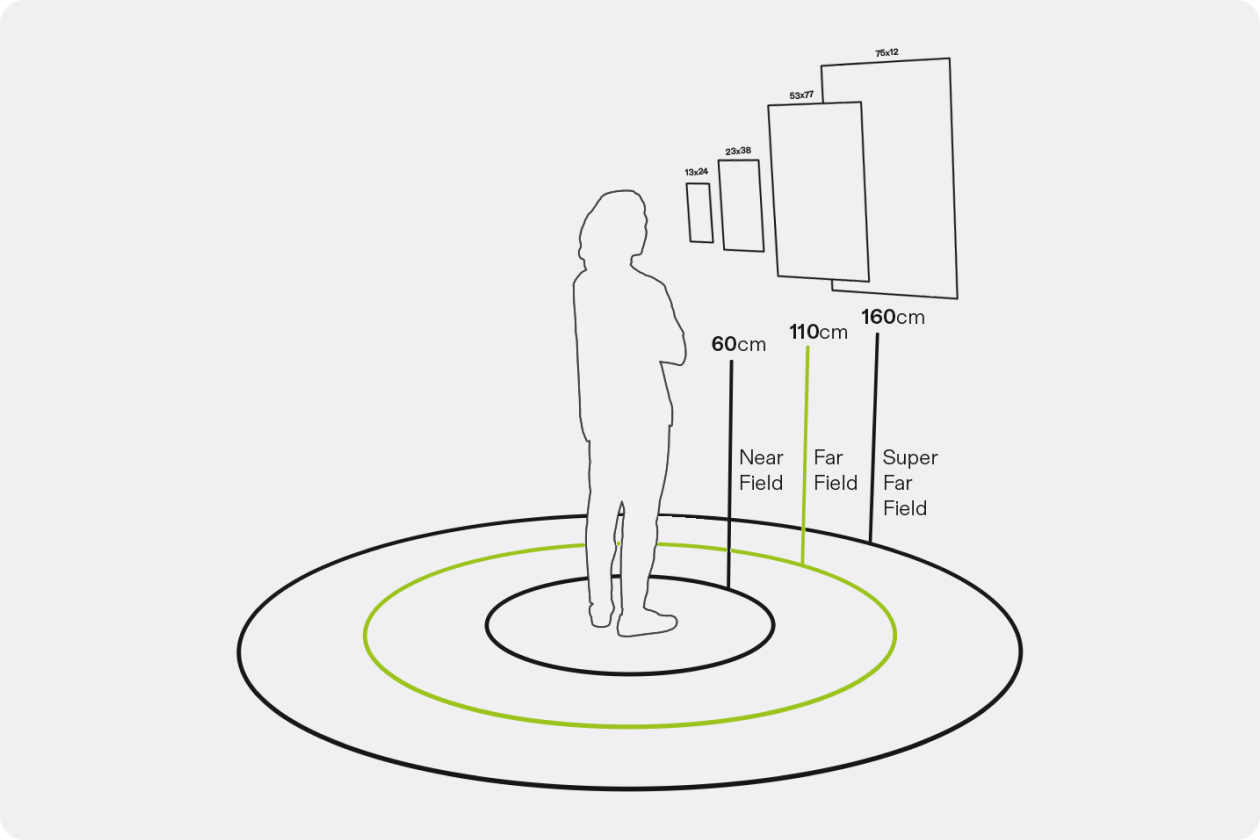
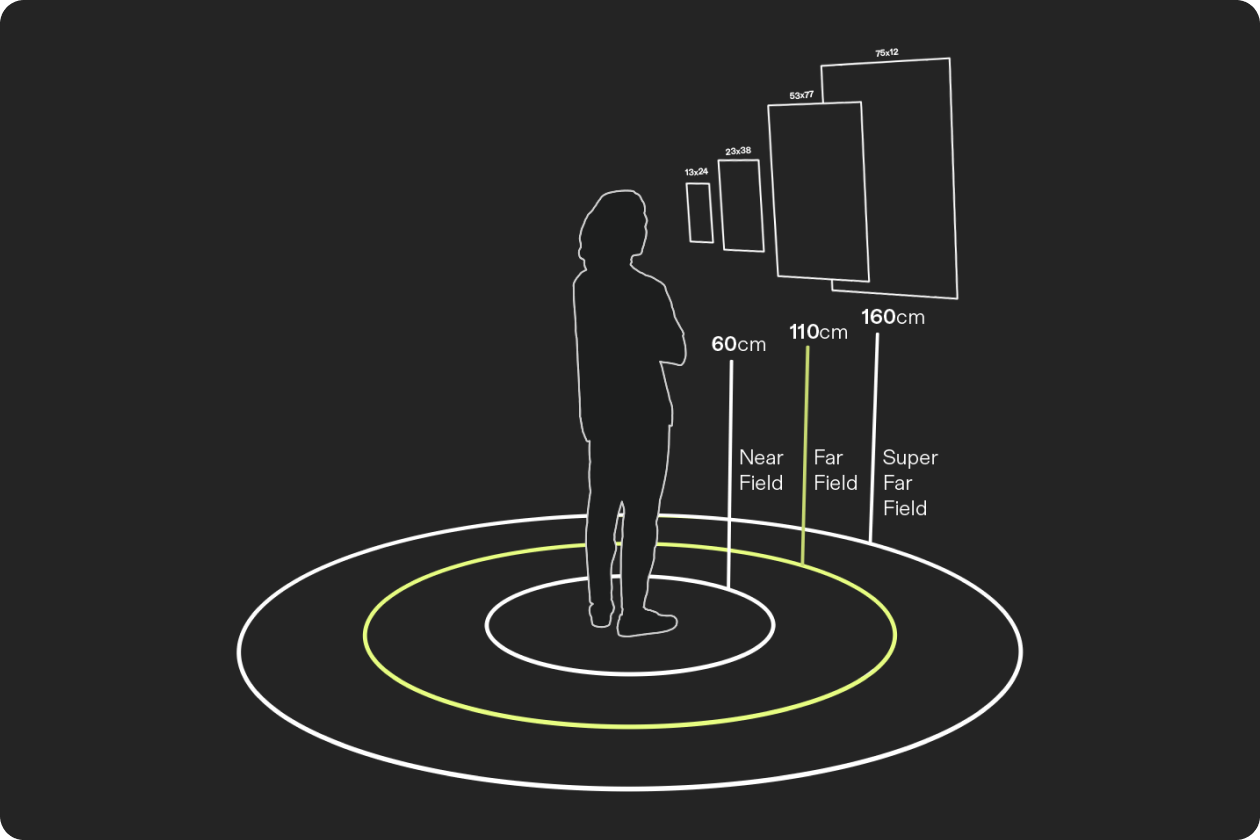
FoV has physical dimensions, and its perceived size changes with distance: the same FoV covers a small area close to you and a much larger one further away.
Most UI elements and system components are positioned at 110 cm for better visual comfort. These guidelines define FoV specifications for both 110 cm and 60 cm. To choose a distance for your content, see Distance & Units.
Best practices
- Be mindful that objects may be partially hidden by the edge of the FoV.
- Avoid starting an experience with key objects outside the FoV.
- If any objects are outside the FoV, provide clear visual or contextual cues to help users locate them.
- Keep UI elements within the FoV most of the time. When they aren't visible, make them discoverable and follow established system patterns.