Distance & Units
Design in real-world centimeters, and place content at 60 cm, 110 cm, or 160 cm depending on how users interact with it.
Units
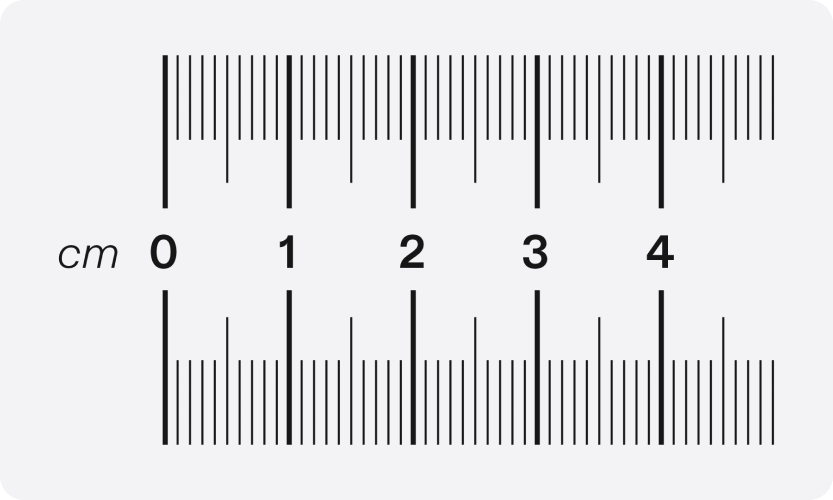
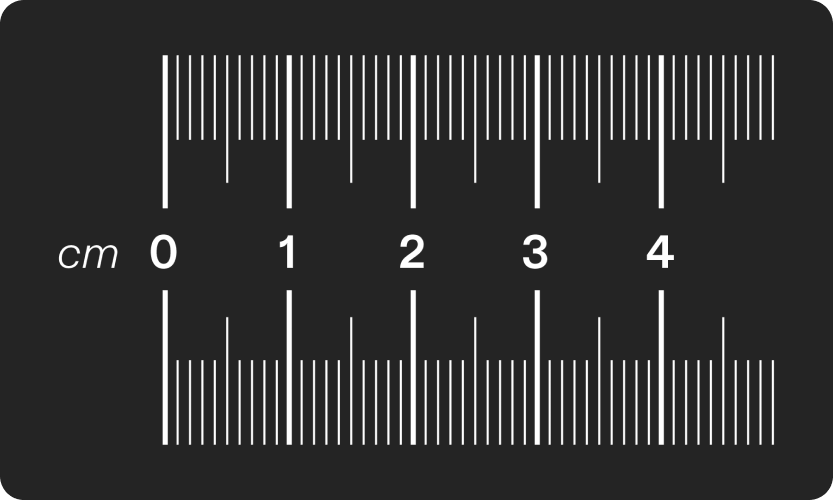
Designing for AR means working with real-world units. Centimeters (cm) are the primary unit in Lens Studio, so the workflow starts there: designs are created in centimeters, then adapted into Figma.
Figma works in pixels (px). Some UI elements in Figma have non-standard, unusually large, or uneven dimensions because the design process puts real-world measurements first and converts them to pixels afterwards. Treat Figma as a reference rather than a source of pixel-perfect specifications. At 110 cm, 1 cm is 32 px.
Best practices
- If possible, start the design process by prototyping in Lens Studio with UI Kit elements.
- Figure out the design and UX first, and the UI later.
Recommended distances
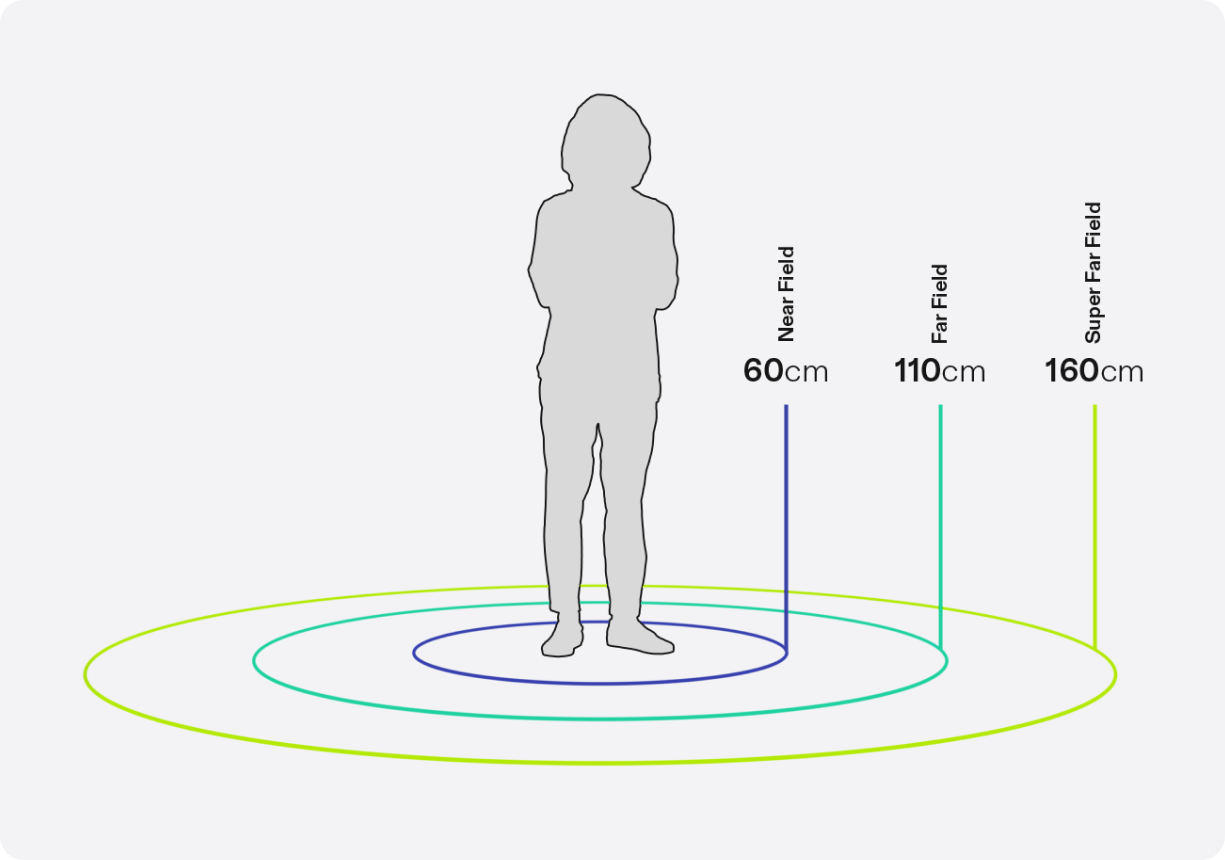
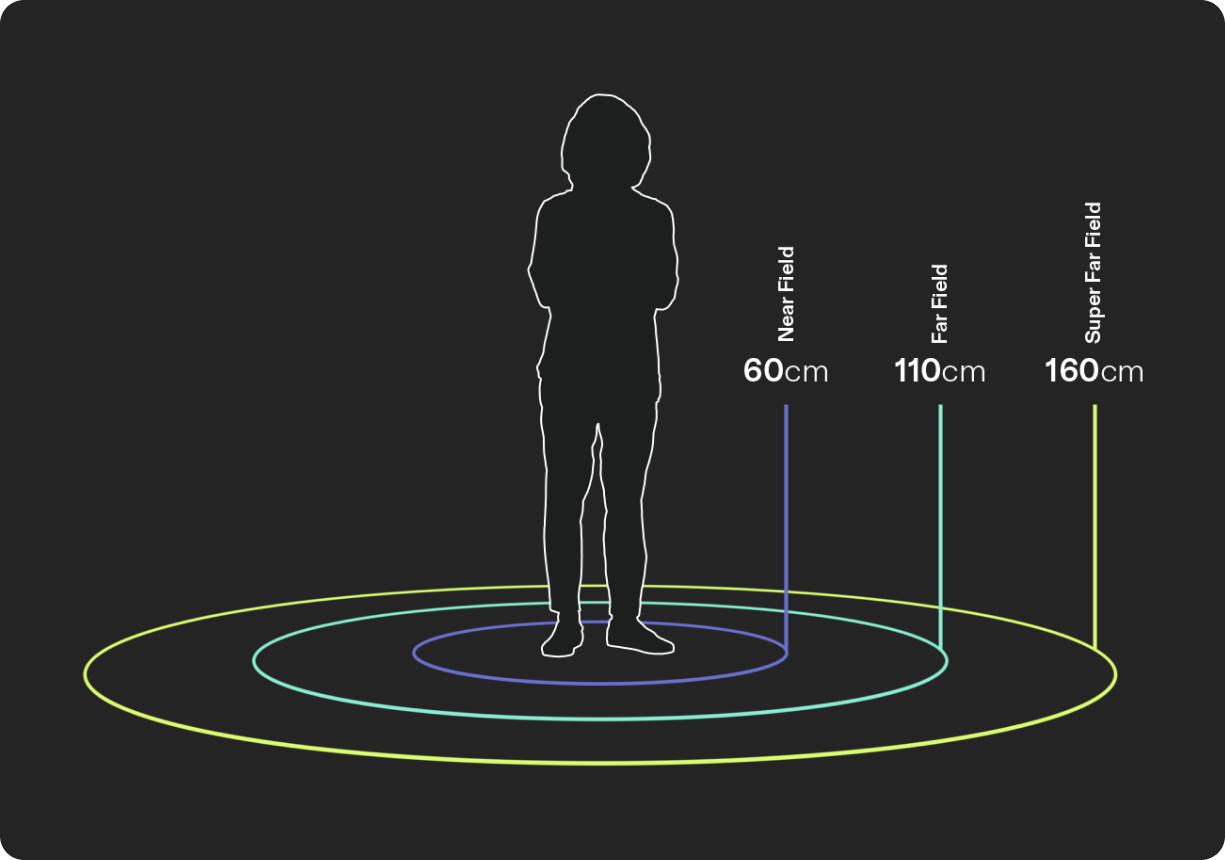
- Near field (60 cm): where users can do quick, direct interactions.
- Far field (110 cm): where eye comfort and binocular overlap are best. Good for long tasks and content consumption.
- Super far field (160 cm): where things feel big and immersive. Use it only when the content is lightly interactive, isn't looked at for more than 10 minutes, and maximum immersion is the goal.
Most content is placed in the world, and users must be free to move through these fields. Most content and interfaces should default to being world-anchored, softly enforcing these distances.
How to pick the right distance
Default to 110 cm. Move closer only when the user needs to touch the content; move further only when immersion matters more than interaction.
| Distance | Use when | Typical content |
|---|---|---|
| 60 cm · near field | Quick, direct manipulation: the user pokes or pinches the UI itself. Sessions are short and the content is dense. | Quick controls, short menus, sliders, keyboards, dials |
| 110 cm · far field (default) | Anything the user looks at for a while. Best eye comfort and binocular overlap; supports indirect pinch. | Panels, complex or nested menus, settings, media, reading, browsing |
| 160 cm · super far field | Lightly interactive content viewed for under 10 minutes, where scale and immersion are the goal. | Cinematic scenes, large visualizations, ambient experiences |