Why Optimization Matters
SPECS renders every asset in real time on the glasses. Why optimizing assets matters, what changes when you move from 2D screens to 3D space, and how to keep draw calls down.
AR experiences are rendered in real time, directly on the glasses. Every mesh, material, texture, light, and animation takes processing power to display.
Well-optimized experiences use resources efficiently, which keeps performance smooth, interactions responsive, visual quality consistent, and the device comfortable to wear. The better you optimize your assets and animations, the more objects you can add to your experience.
The goal isn't to remove detail; it's to spend performance where users will notice it most.
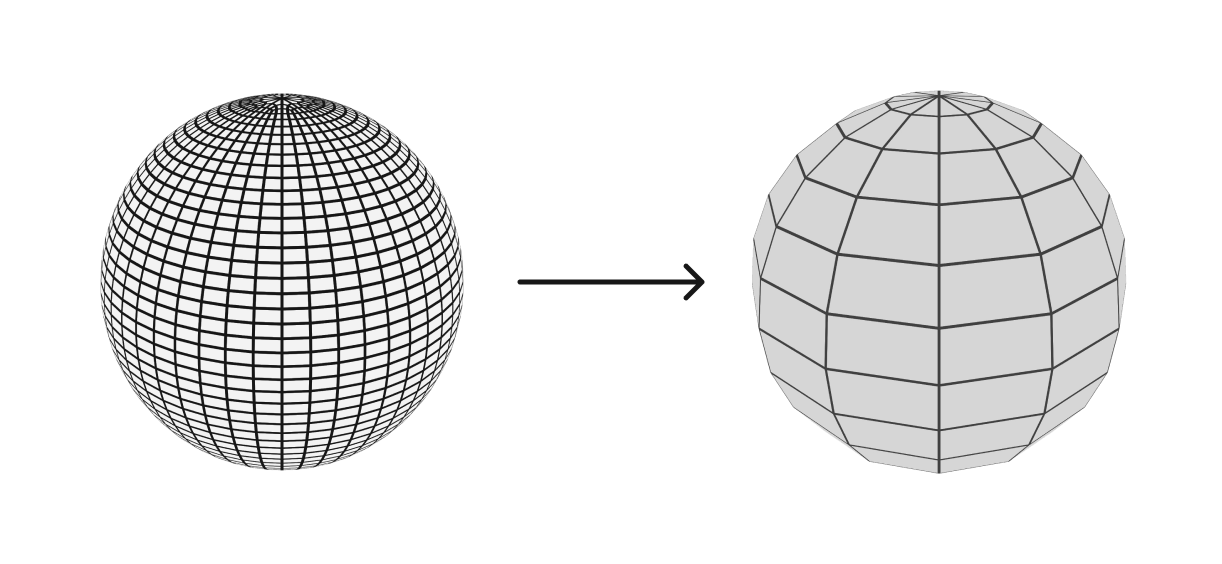
From 2D to 3D
Designing for AR means moving beyond a flat screen and into a 3D environment.
In Figma, designs are arranged in pixels on a 2D canvas. In Lens Studio, content exists in 3D space, and the experience is built from 3D objects, materials, textures, lighting, and animation.
This brings new considerations for both visual design and performance. Understanding how 3D assets are built is the first step toward experiences that look great and run efficiently.
Think in space, not screens.
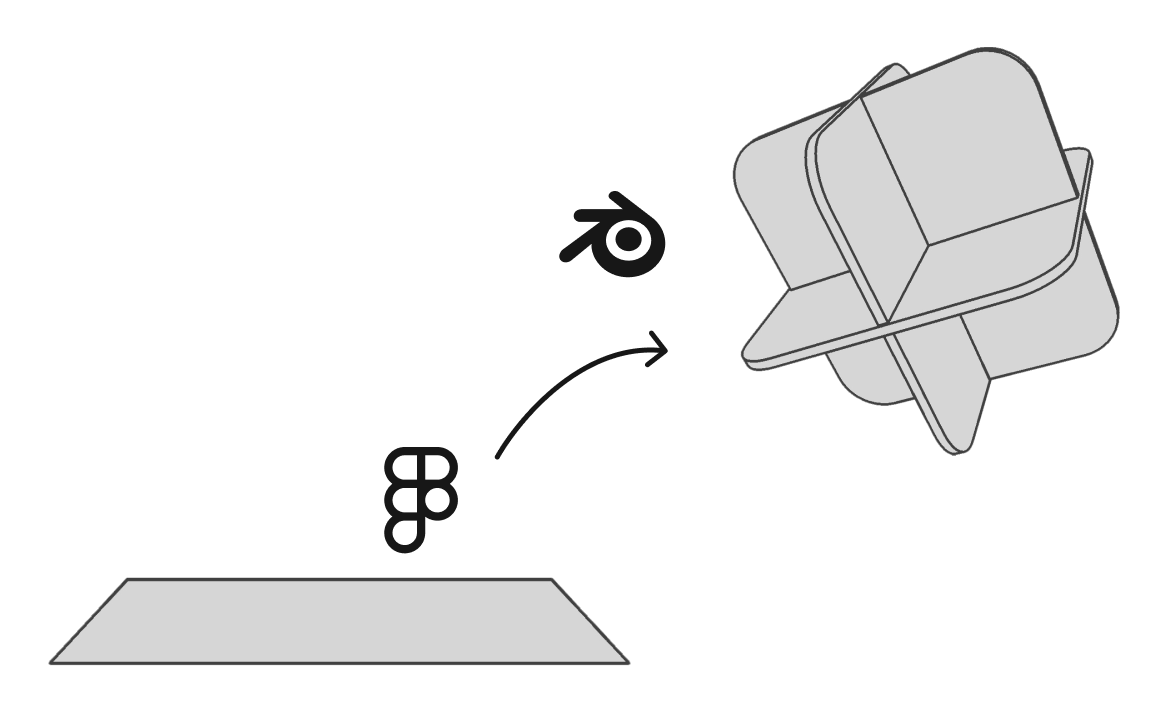

Creating your own 3D models
You don't need to be a 3D expert to start designing for AR. You can work with any 3D software you're comfortable with, such as Blender, Maya, 3ds Max, or Cinema 4D.
Blender is a great place to start: it's free and open source, with a huge number of tutorials for everyone from complete beginners to advanced users.
Learning the fundamentals of modeling, materials, UVs, rigging, and animation will help you create and optimize assets for Lens Studio.
To create and build Lenses for SPECS, use Lens Studio as the development engine. It brings together your 3D assets, materials, interactions, animations, and logic to create the final AR experience.
Draw calls
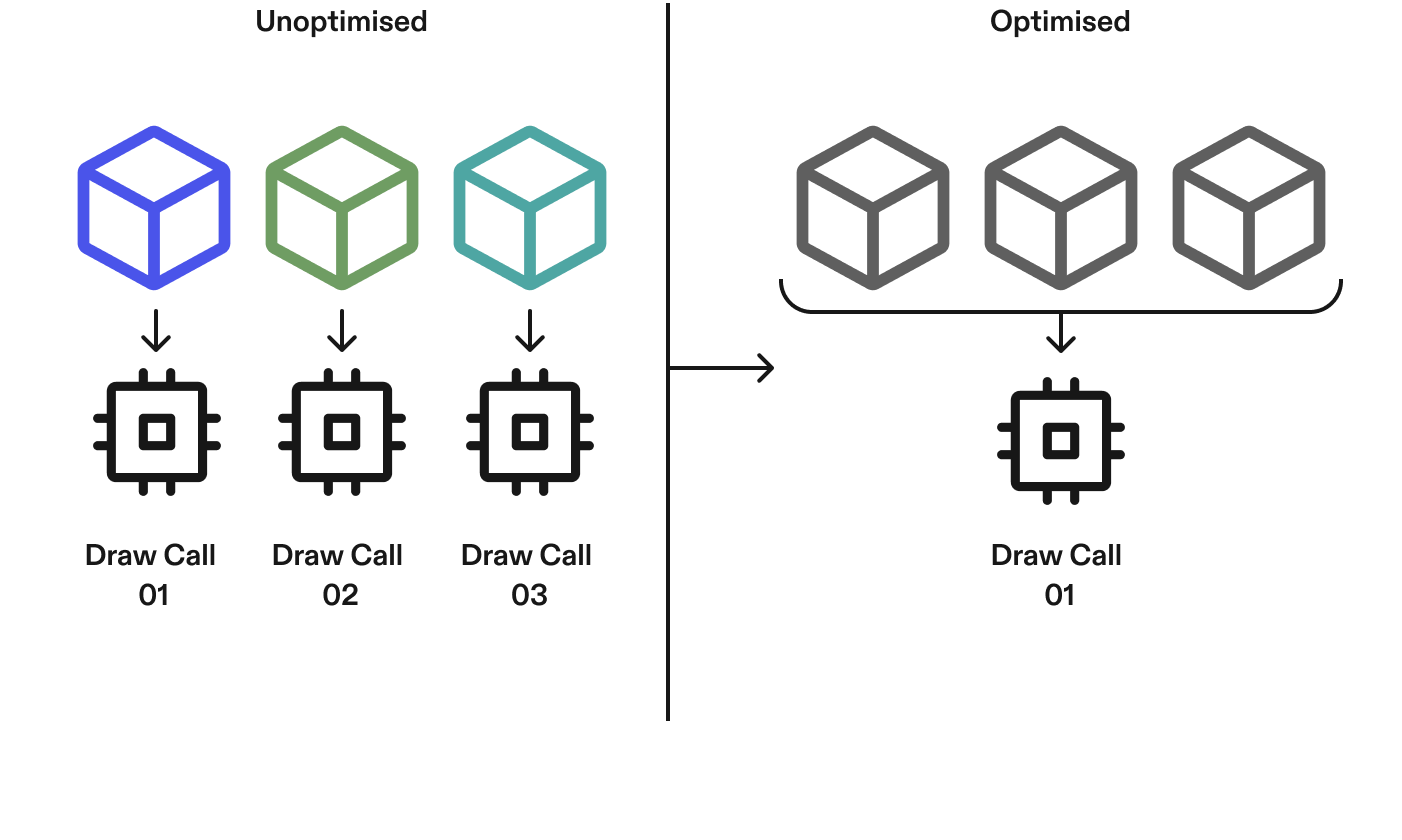
A draw call is an instruction sent to the GPU to render something on screen. More objects and materials can mean more draw calls, and more work every frame. Fewer draw calls mean better performance:
- Optimize and reuse materials and shaders.
- Instance repeated objects.
- Use texture atlases.
- Combine meshes where appropriate.
Measure performance
For measuring and tuning performance, see Optimizing Lens Performance and SPECS Monitor.