Examples
The Snap Cloud Examples package for SPECS Lenses: working examples of authentication, databases, storage, realtime, edge functions, media capture, and a global leaderboard.
- Snapchat: not supported
- SPECS: fully supported
- Camera Kit Web: not supported
- Camera Kit Mobile: not supported
- SnapchatNot supported
- SPECSFully supported
- Camera Kit WebNot supported
- Camera Kit MobileNot supported
The Snap Cloud Examples package (4.0.0, for Lens Studio 5.25 or later) is in the Lens Studio Asset Library. It's one package with working examples of every major Snap Cloud feature on SPECS, in six example folders, Example1-AuthAndTables to Example6-GlobalLeaderboard. One prefab places them all in your scene, and every example reads your Snap Cloud project from one SnapCloudRequirements component.
Before you start
Set up Snap Cloud: see Get Started. You need the Supabase Client package 4.0.0, which the examples package depends on, and a SupabaseProject asset from Import the project credentials.
Set up the Snap Cloud Examples package
-
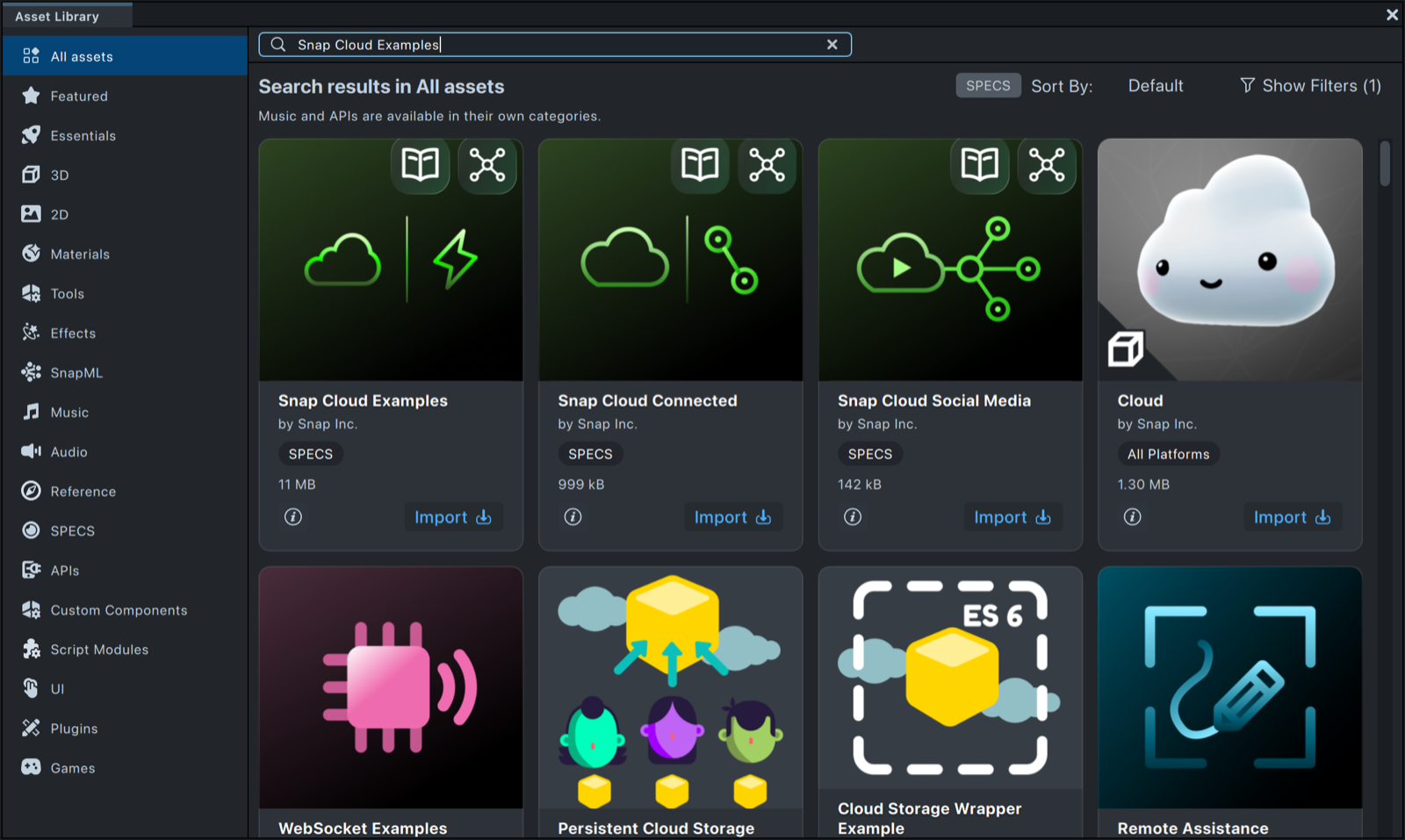
Open the Asset Library and search for Snap Cloud Examples.
-
Select Import on the Snap Cloud Examples card.
-
In the Asset Browser, drag
SnapCloudExamples__PLACE_IN_SCENEfrom theSnapCloudExamplespackage into the Scene Hierarchy. -
In the Scene Hierarchy, select the prefab's
[SnapCloudRequirements]object. -
In the Inspector, drag your
SupabaseProjectasset into the Supabase Project field. -
Replace the prefab's placeholder text inputs (bucket, file path, channel, and function names, such as
YOUR BUCKET NAME - TRY "specs-bucket") with your own values. Each example's page lists its inputs.
Until a project is assigned, a red Credentials needed panel appears before the guide and lists what's missing. Continue without credentials closes it so you can explore the examples offline; anything that talks to Snap Cloud needs the project.
What's in the Snap Cloud Examples package
The prefab holds three panels side by side:
| Panel | Examples | Folder |
|---|---|---|
| Get Started | Tables (with sign-in), Realtime Cursor, Storage, Edge Functions. Disabled children of the panel: enable one at a time, and the carousel steps through them. | Example1-AuthAndTables to Example4-EdgeFunctions |
| Media Suite | Image, Video, Audio, Composite, and Sharing, switched with the panel's side bar. They share one camera service in CompositeCameraWork. | Example5-Media, CompositeCameraWork |
| Global Leaderboard | A tap game and a leaderboard. | Example6-GlobalLeaderboard |
ExternalServicesExamples holds the parts that run outside the Lens: SQL, edge function code, mock data, browser pages, and a Node.js service. No Lens component references these files, and none of them is deployed for you. Lens Studio imports their .js files as JavaScript assets, so copy a folder out of the project before you run or deploy it.
Snap Cloud example guides
The examples are grouped into four areas that match real Lens development workflows:
- Basic Setup: authentication, databases, storage, realtime, and edge functions. Start here.
- Media: image, video, and audio capture with upload to Snap Cloud Storage, and live streaming to a web viewer.
- Global Leaderboard (Snap Cloud): global score tracking with server-side RPC functions.
- Lens & Web App: a complete Lens and companion web app connected through Snap Cloud, from the World Kindness Day sample.
Related
- Get Started: set up Snap Cloud before running the examples.
- Share one project across scripts: how
SnapCloudRequirementsworks. - Overview: what each Snap Cloud service does.