Overview
Connected Lenses on SPECS: shared, real-time multiplayer Lenses for people in the same room, built with Sync Kit in Lens Studio.
- Snapchat: not supported
- SPECS: fully supported
- Camera Kit Web: not supported
- Camera Kit Mobile: not supported
- SnapchatNot supported
- SPECSFully supported
- Camera Kit WebNot supported
- Camera Kit MobileNot supported
What Connected Lenses on SPECS are
Connected Lenses on SPECS are shared experiences that let several people see and interact with the same AR content at the same time.
How a Connected Lens session works on SPECS
SPECS-to-SPECS sessions
Connected Lenses support SPECS-to-SPECS sessions. All users join a Connected Lens from SPECS. Joining the same Connected Lens from both SPECS and mobile devices is not supported.
Colocated sessions
Connected Lenses on SPECS are colocated, meaning users are in the same physical space. Sync Kit guides each user through colocation so that everyone shares one coordinate space for the Lens content: the first user to join the Lens establishes the shared coordinate space automatically, and each user who joins after them is guided to look at a friend who has already colocated, to align their space with that friend's. Using Connected Lenses shows this flow from the user's side.
Synchronous sessions
Connected Lenses on SPECS are synchronous, meaning users experience the Lens at the same time. Lens data is updated across the network in real time.
The parts of the Connected Lenses system
Architecture of a Connected Lens session
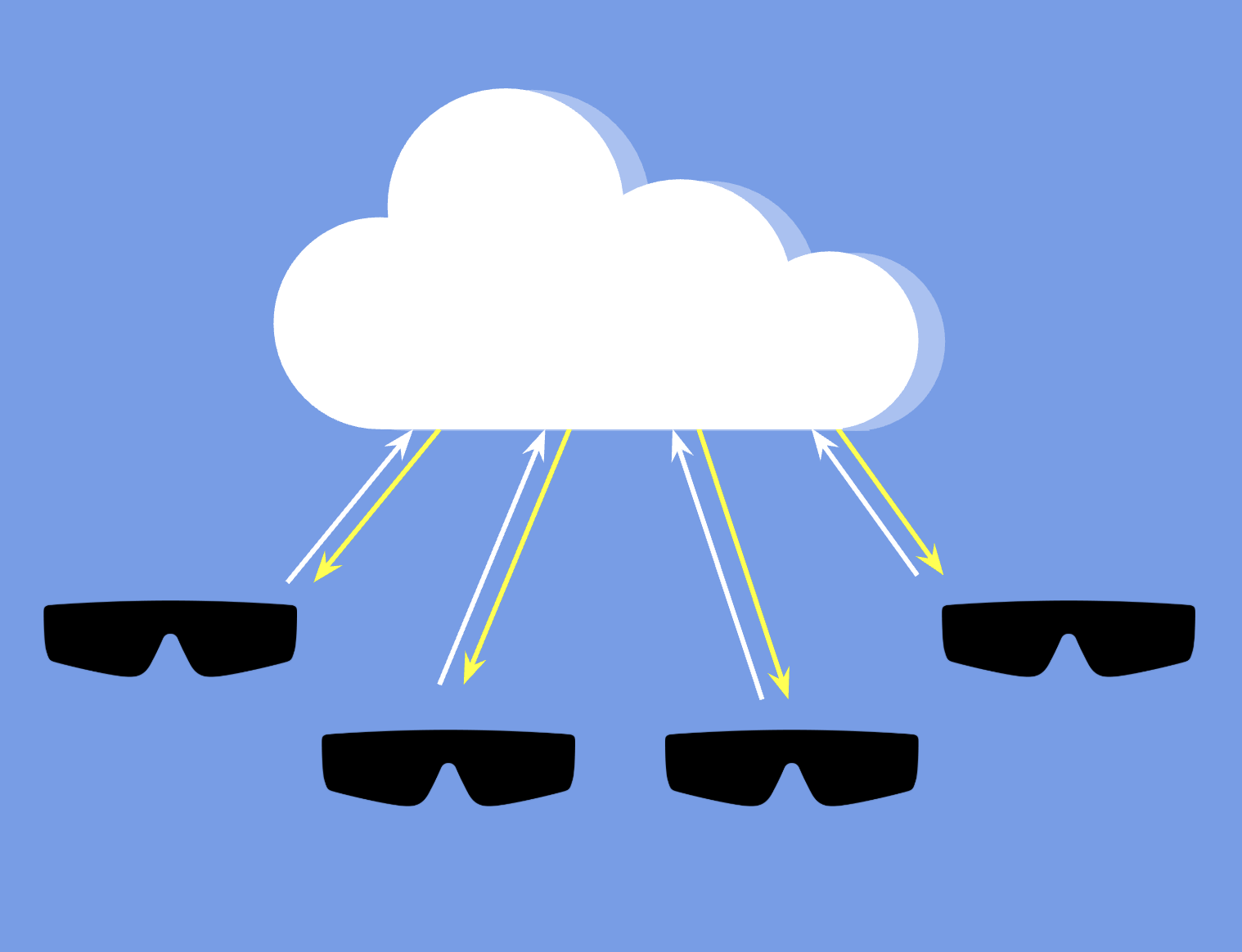
During a Connected Lens session, several SPECS devices connect to the same real-time data stores in the Connected Lenses backend. To synchronize Lens content, the backend stores data that every device in the session can read, and relays messages between the devices.
Snap OS
Snap OS provides several ways for SPECS users to start and join Connected Lenses from Lens Explorer. Using Connected Lenses describes each one.
Lens Studio
Lens Studio has tools for developing and testing Connected Lenses, in the editor and on SPECS. Building Connected Lenses describes them.
Sync Kit
Sync Kit (formerly Spectacles Sync Kit) is a Lens Studio package that provides the core logic, APIs, and components for building Connected Lenses on SPECS. The Sync Kit docs describe how to set it up and use it.
Matching versions of Lens Studio, Sync Kit, Interaction Kit, and UI Kit
Each release of Sync Kit is built for specific versions of Lens Studio and of the kits it works with, Interaction Kit and UI Kit. To keep your Lens stable and its features working, use Lens Studio and kit versions from the same row of this table. Mismatched versions can cause errors when the TypeScript compiles or when the Lens runs.
| Lens Studio | Interaction Kit | Sync Kit | UI Kit |
|---|---|---|---|
| 5.25 | 4.0.0 | 4.0.0 | 4.0.0 |
When you install Sync Kit 4.0.0 from the Asset Library, Lens Studio installs Interaction Kit 4.0.0 and UI Kit 4.0.0 with it, as its dependencies. For what changed between Sync Kit versions, see Release Notes in the Sync Kit docs.