Material Library
- Available on all platforms
This is an overview of all the materials that come included in our Material Library. These were all made using the Material Editor and are completely free for you to use in your Lenses. Open them up in Material Editor and see how they were made.
Adding Materials from the Material Library
You can add a material from the material library by clicking the Asset Library button in the top left of Lens Studio.
Then, in the popup window, select the Materials category, and select the Import button below the material you want to add.
The material will then be added to your Asset Browser panel, as a package (.lspkg) that holds the material and the shader it uses.
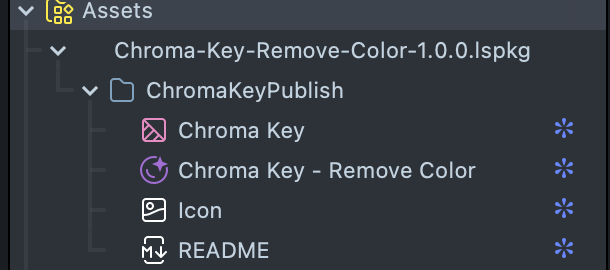
If the material includes an example prefab, you can drag it into the Scene Hierarchy panel to show the example.
You can also apply the material directly to your existing object.
A material imported from the Asset Library arrives inside a package, and Lens Studio doesn't edit graphs inside packages. Right-click the material's package in the Asset Browser panel and select Unpack For Editing first. Then double click the material to open its graph in a Graph tab named after the material (for example Graph: Iridescence). The Inspector shows the material preview. See the Material Editor guides for working in the graph.
Available Materials
Car Paint
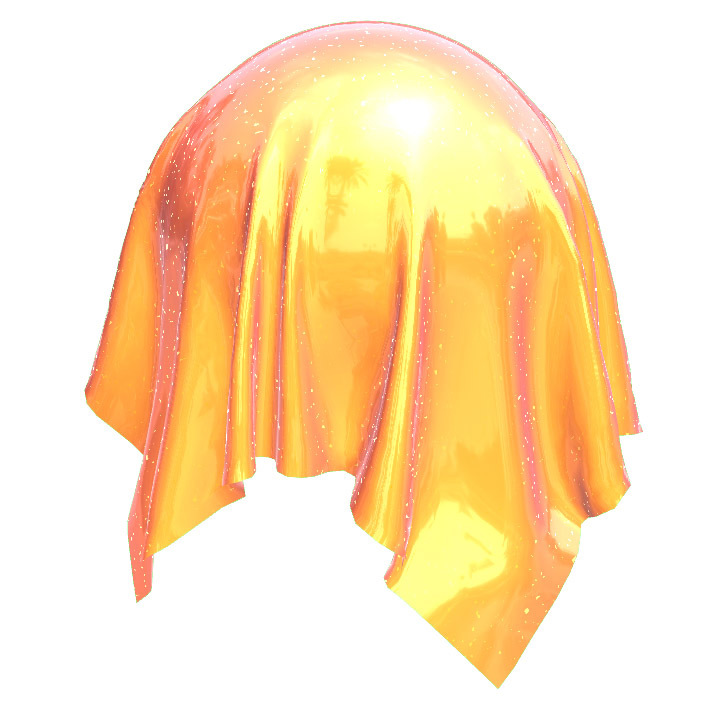
Simulates car paint with a clear coat and glitter.
Disintegrate
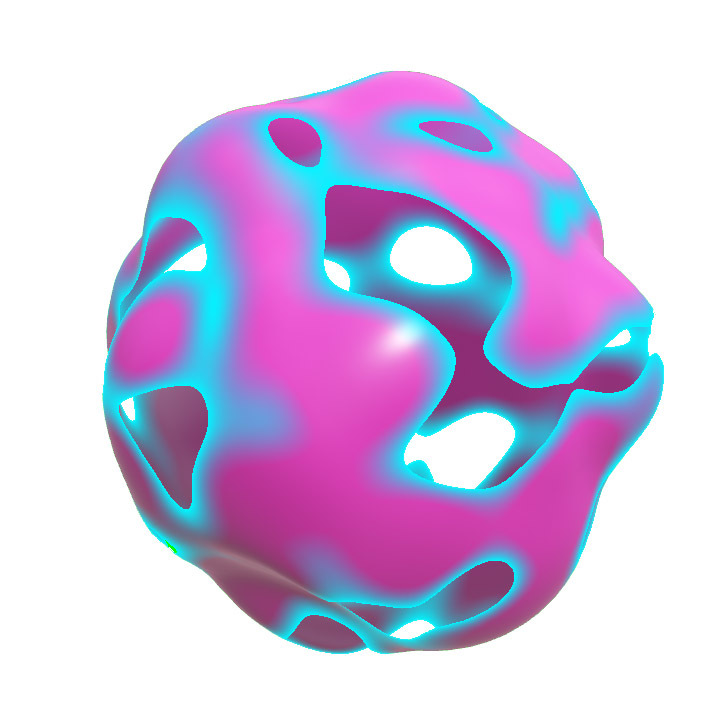
Vaporize any object using procedural triplanar noise.
Hologram
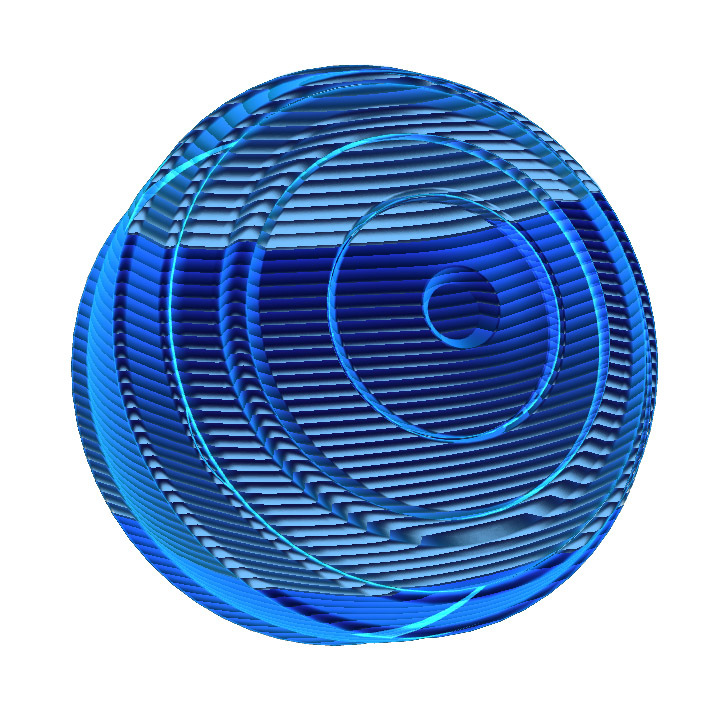
A retro, glitched-out holographic video effect with adjustable scanlines and animation.
Iridescence
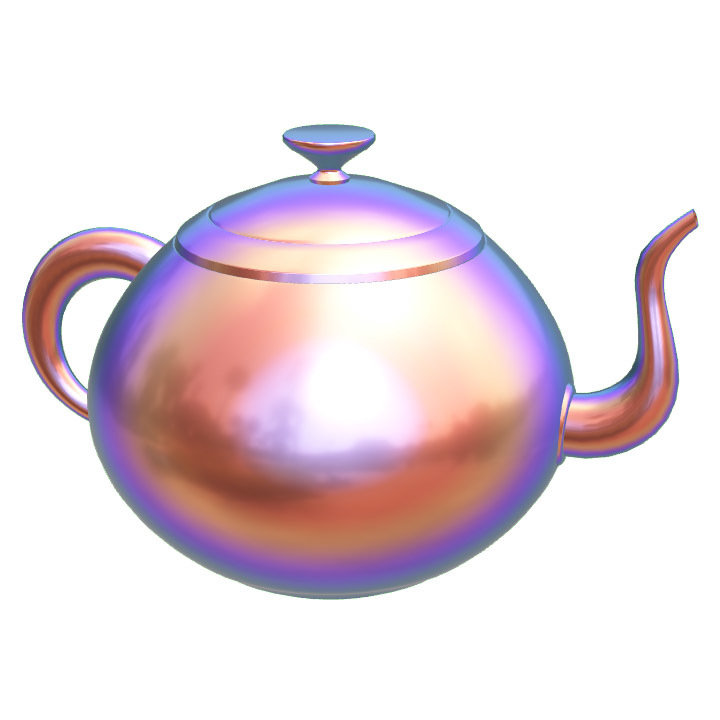
A customizable iridescence effect where the colors shift with the angle of illumination, layered on our standard PBR model.
Jello
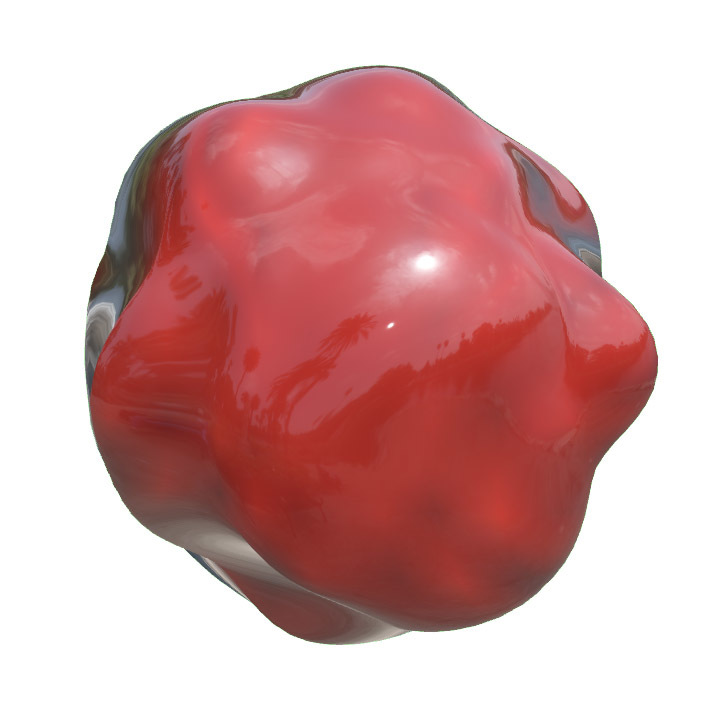
A jiggling, translucent material that combines Refraction and Vertex Displacement.
Jittering
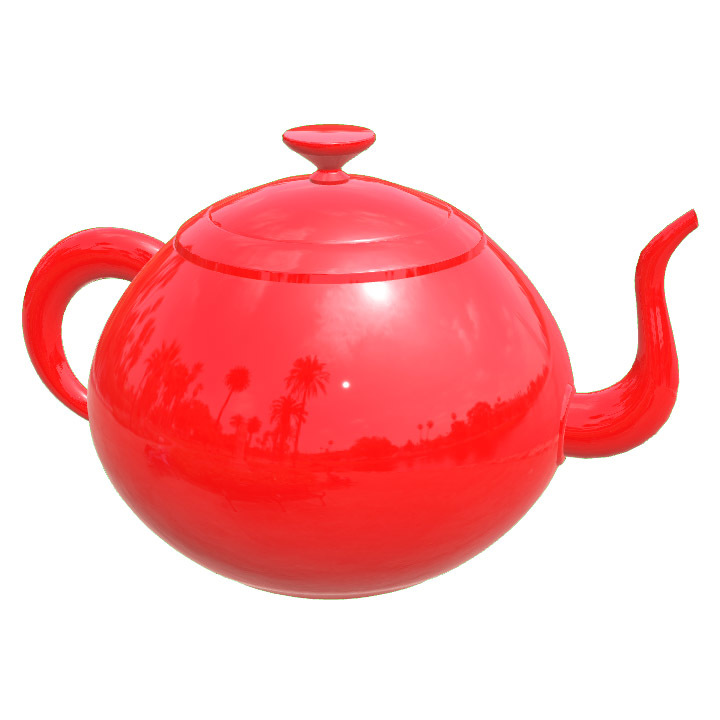
A basic vertex animation example that moves the object to a random position at controllable intervals.
Melting
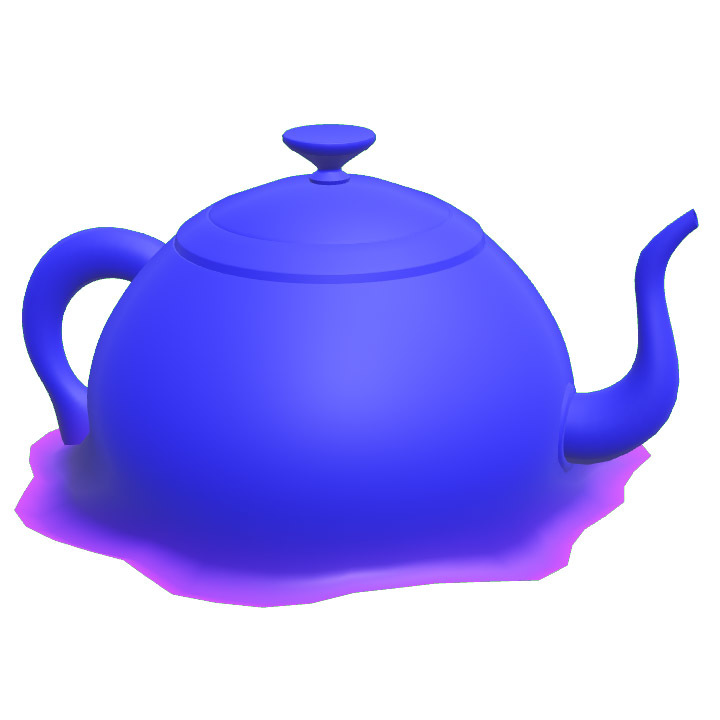
Displaces and flattens vertices along their normals at an adjustable height to create a melting effect, with customizable colors and melt parameters.
Refraction
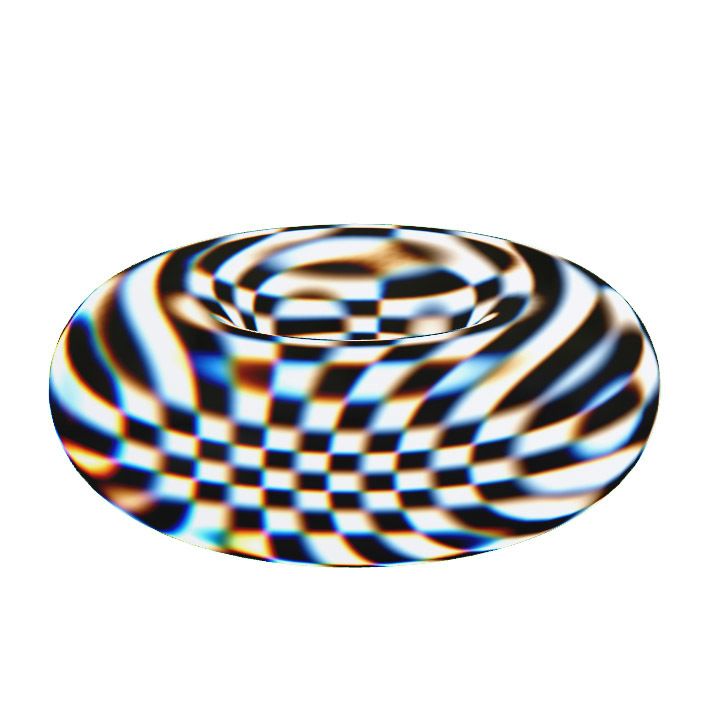
A powerful refraction effect that simulates light bending through a material, with controls for intensity, chromatic aberration, Fresnel darkening, and object thickness.
3D Mosaic
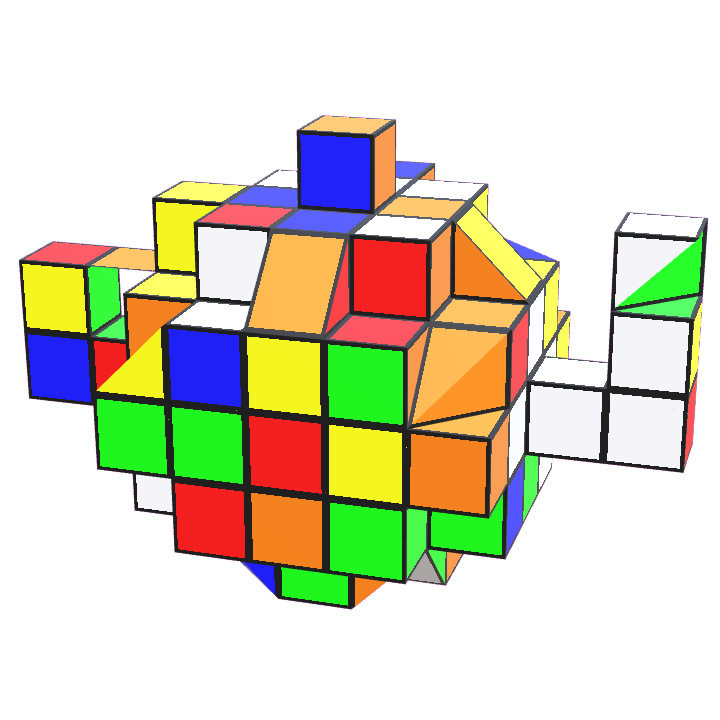
Transforms any object into a 3D Mosaic. Controls for cube size and shuffling the colors.
Salmon
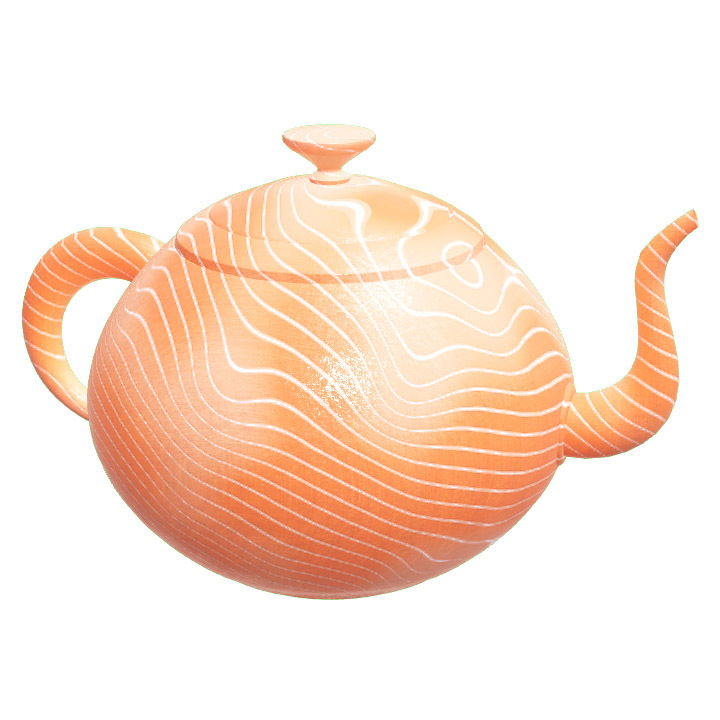
A procedural salmon material with controls for pattern direction, scale, and how long it’s been cooked for. Sashimi anyone?
Sliced
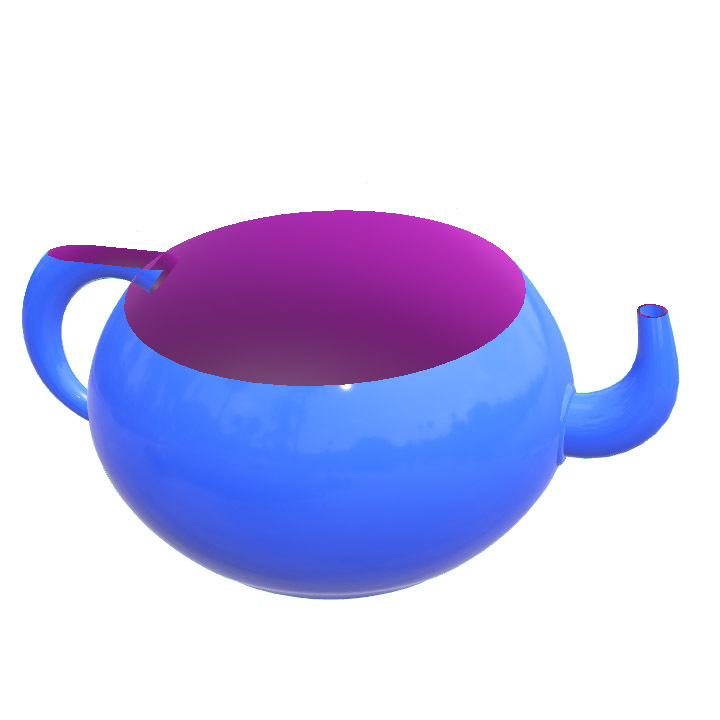
Chop any object in half, with adjustable inside and outside colors and animatable slice plane.
Soap Bubble
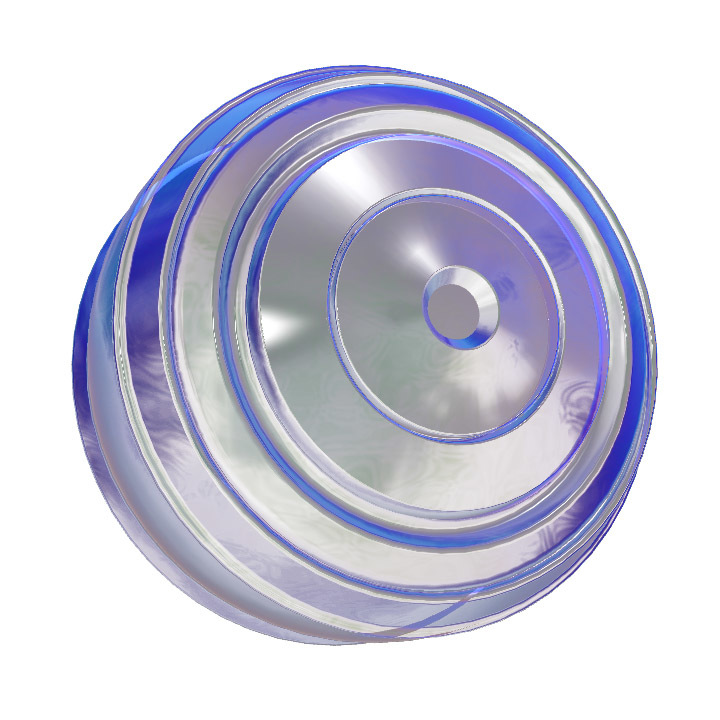
A transparent version of our Iridescence shader, tuned to simulate a soap bubble.
Toon
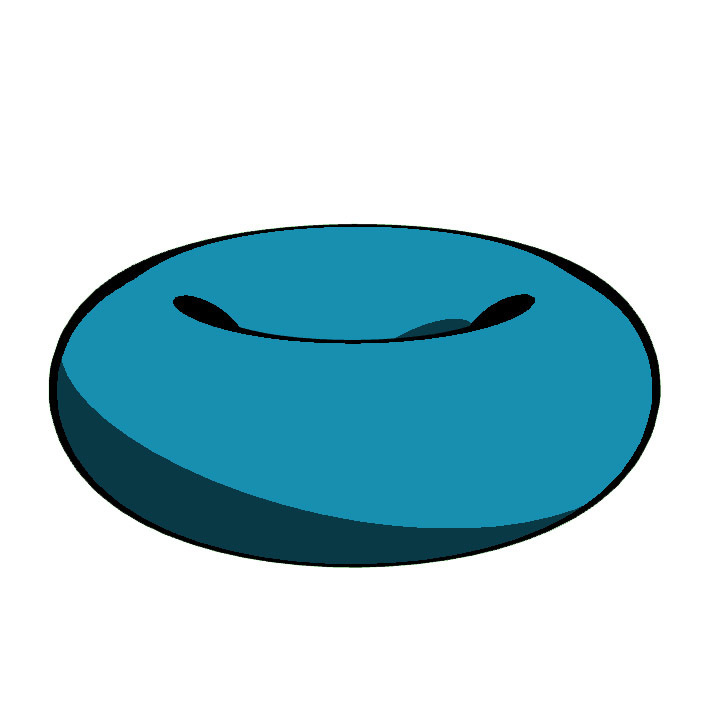
A basic toon shader example with controls for line thickness, shadow intensity, and an animatable light.
Twist
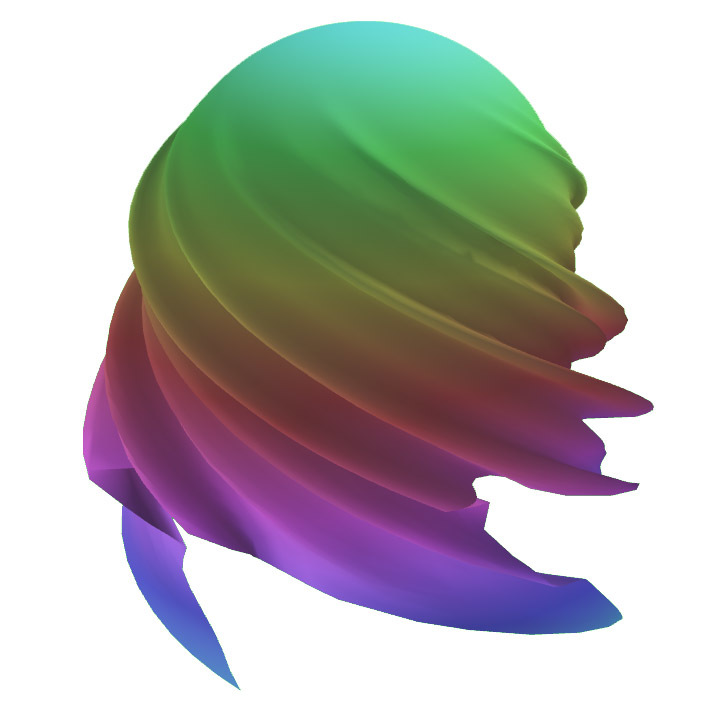
Rotates vertices around the Y axis to create a twisting effect, with controls for rotation amount and axis position.
Vertex Displacement
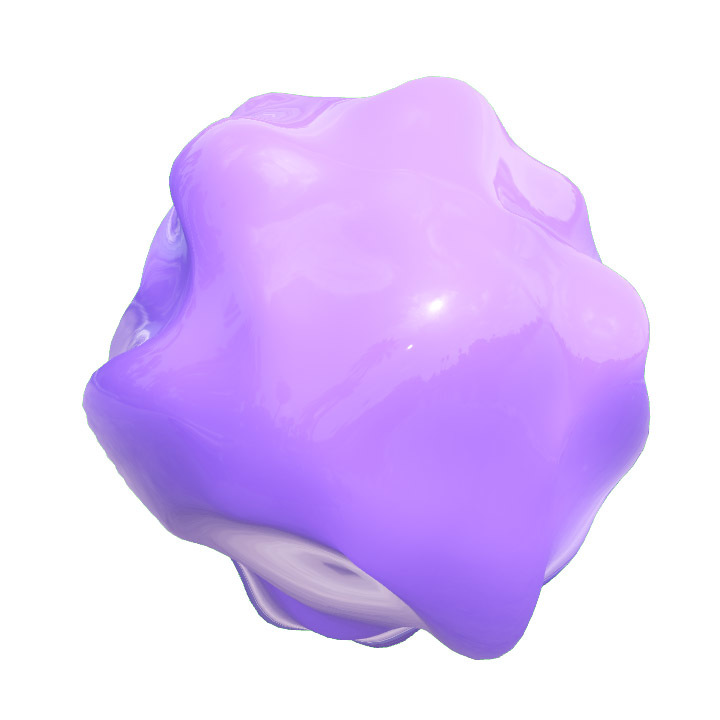
An example of displacing vertices along their normals using triplanar noise and procedural animation, with controls for noise scale and animation speed.
Wood
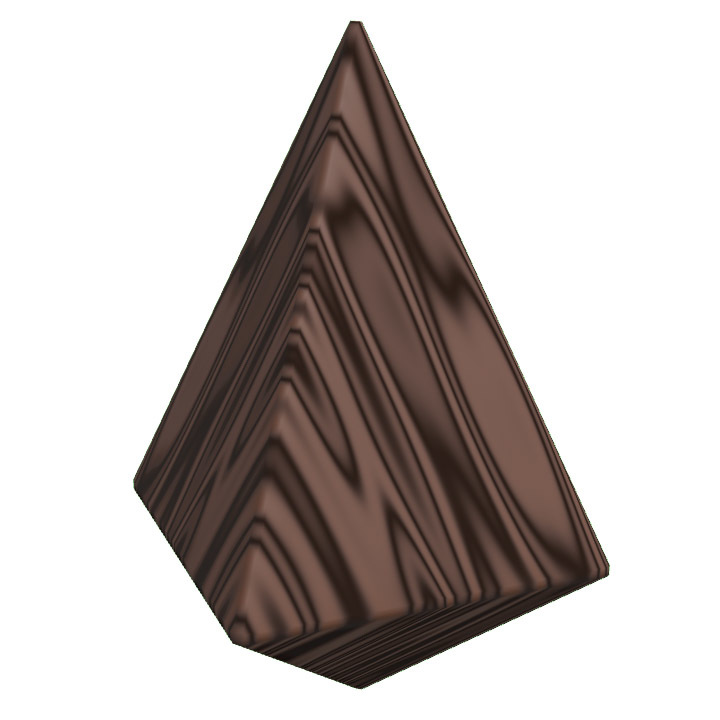
A procedural wood material with controls for wood knottiness, grain rotation, and pattern scale.