Texture Generator
Generate textures for your Lens from a text prompt with the Texture Generator in the Lens Studio GenAI Suite, then import them into your project.
- Snapchat: fully supported
- SPECS: partially supported
- Camera Kit Web: fully supported
- Camera Kit Mobile: fully supported
- SnapchatFully supported
- SPECSPartially supported
- Camera Kit WebFully supported
- Camera Kit MobileFully supported
The Texture Generator creates textures from a text prompt and imports them into your Lens Studio project. Use it for unique designs and materials in any style: city landscapes for backgrounds, fabric patterns, metal surfaces, wood textures, or abstract visuals.
The Texture Generator is also available to the Lens Studio AI assistant as the chat tool GenerateTexture, which creates PBR textures and patterns that tile when you ask for them in the chat.
Open the Texture Generator in Lens Studio
-
In the Lens Studio toolbar, select Lens Studio AI.

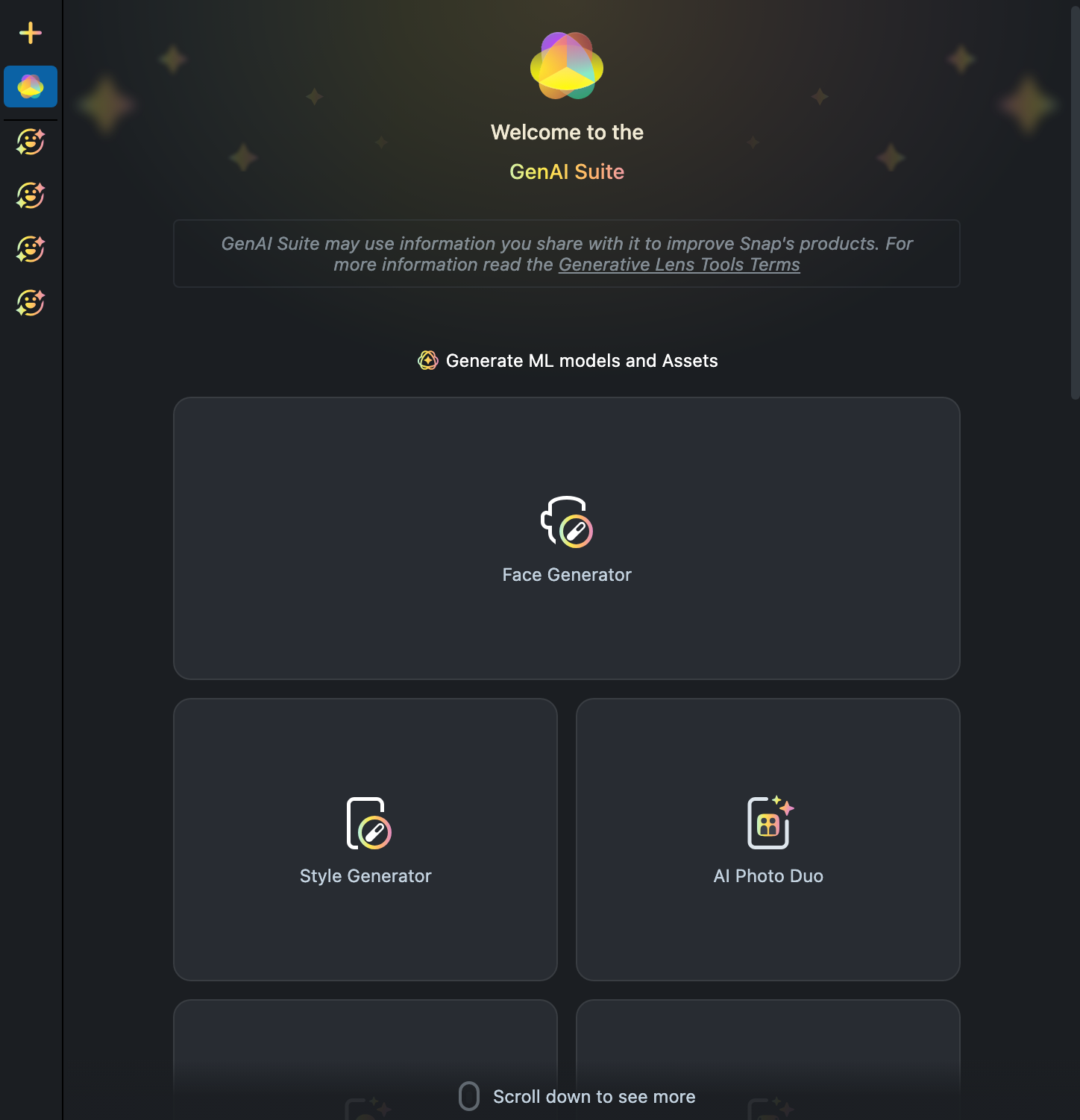
The Lens Studio AI panel opens on the GenAI Suite home, Welcome to the GenAI Suite, with a grid of tool cards under Generate ML models and Assets.
-
Scroll the tool grid to the Texture Generator card and select it.
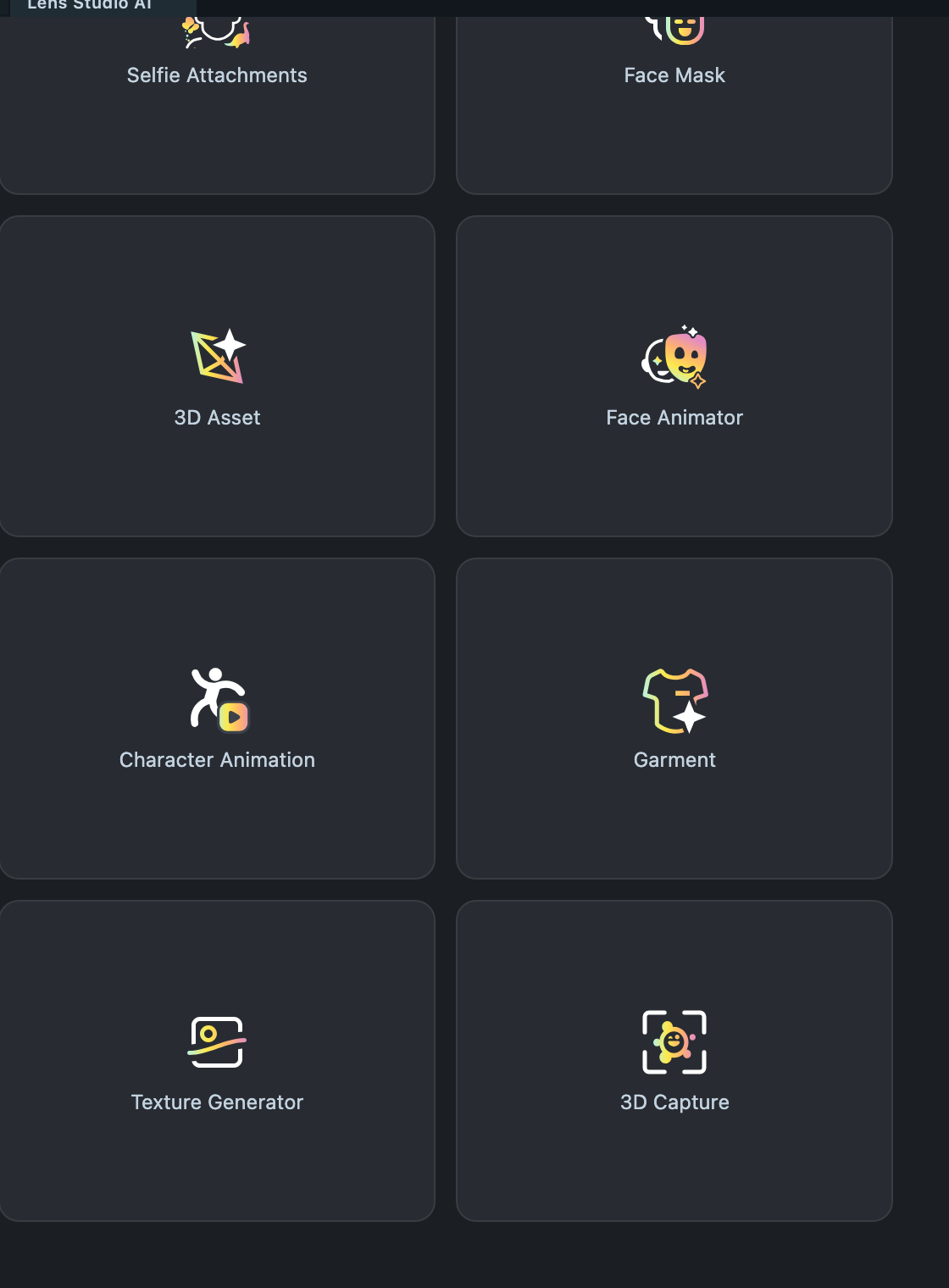
The Texture Generator is an Asset Library plugin. If the Texture Generator card is missing from the grid, install the Texture Generator plugin from the Asset Library. Once installed, you can also open the Texture Generator from the Asset Browser.
Generate a texture from a text prompt
-
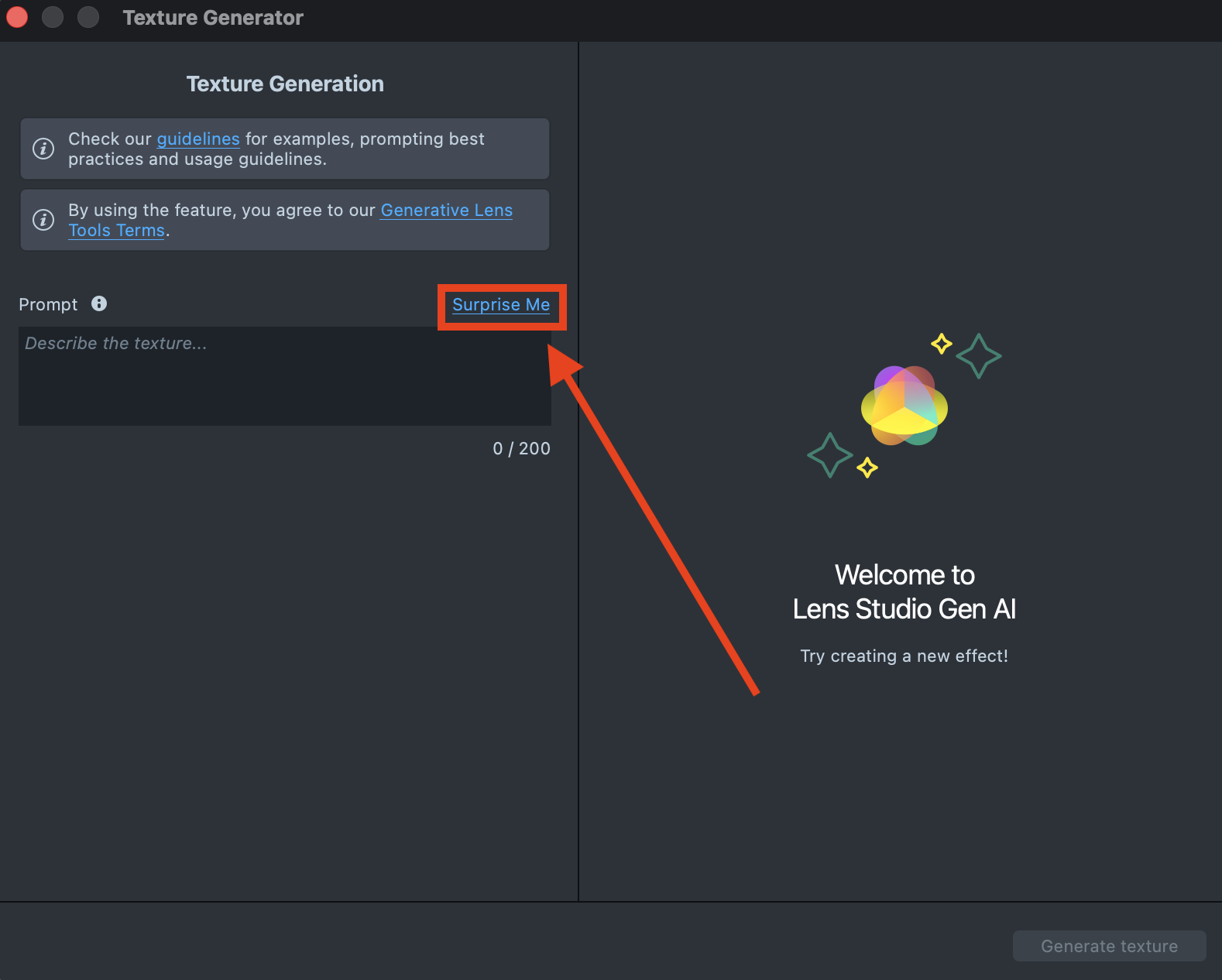
In the Texture Generator, select Surprise Me to fill in one of the default prompts and get familiar with the model.
-
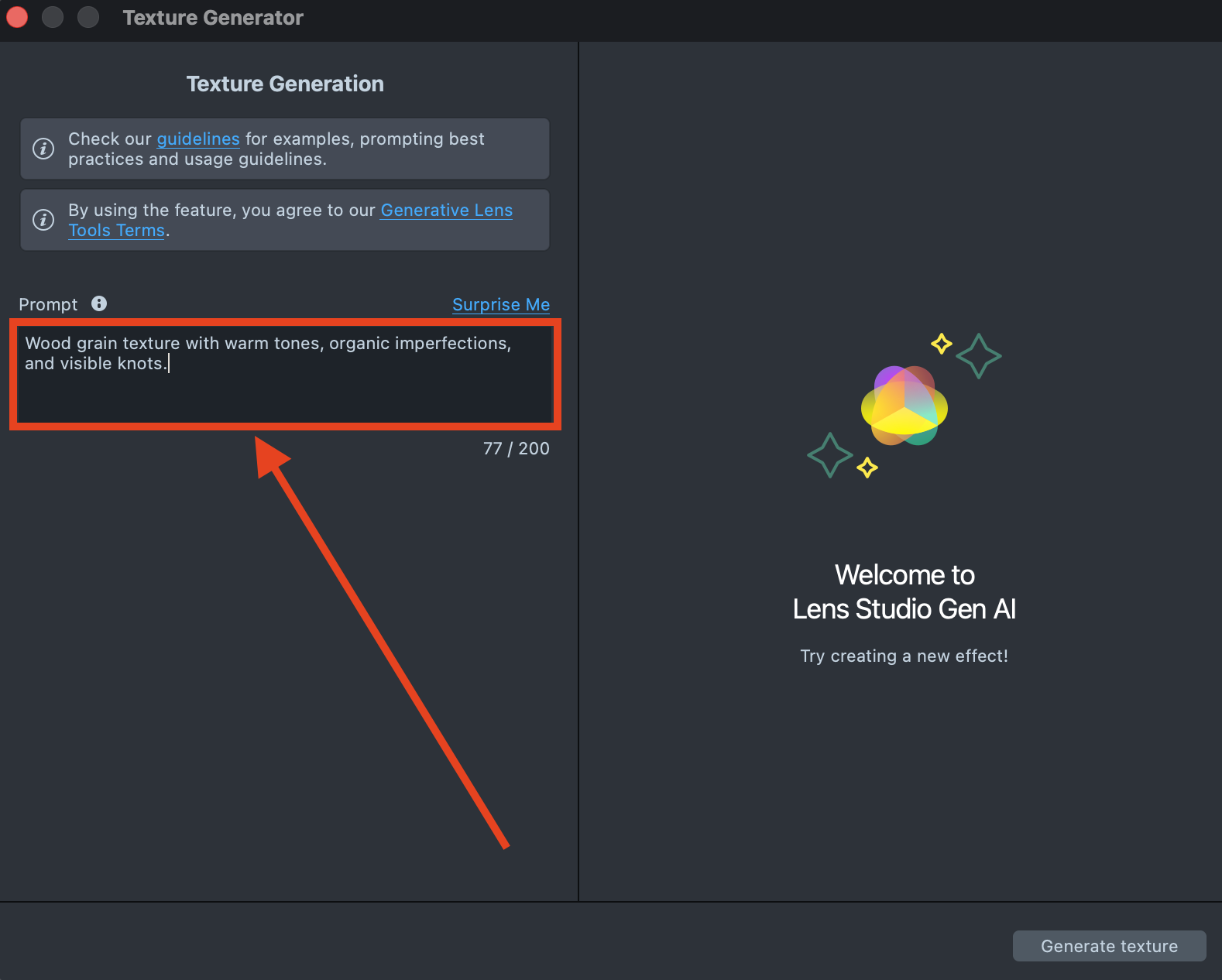
To use your own prompt, describe the texture you want in the Prompt field, in up to 200 characters.
-
Select Generate texture. The preview shows "This may take up to 5 seconds." while the Texture Generator creates the texture.
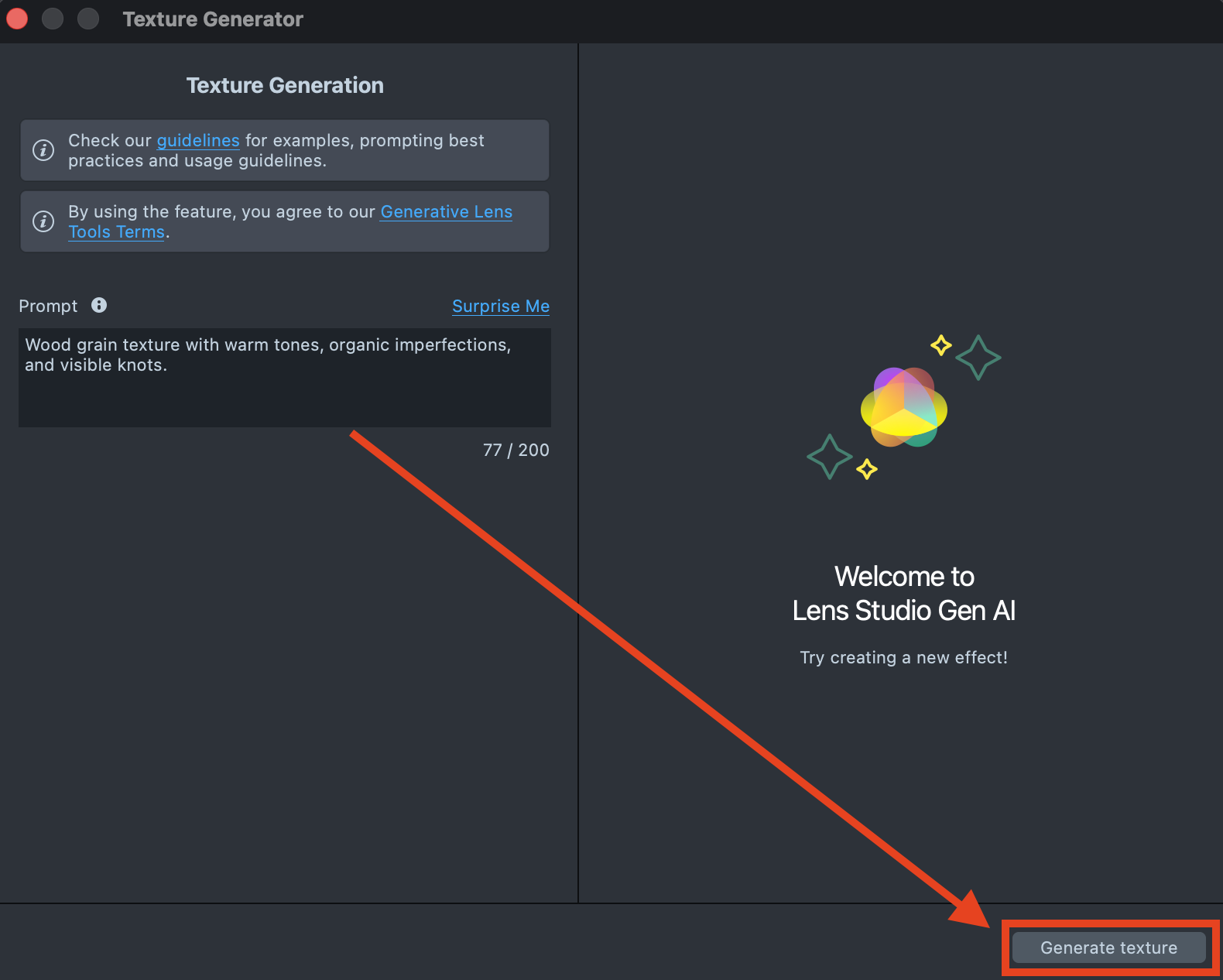
-
If the preview doesn't match what you want, change the prompt to explore other visual outcomes, then select Regenerate to create a new preview.
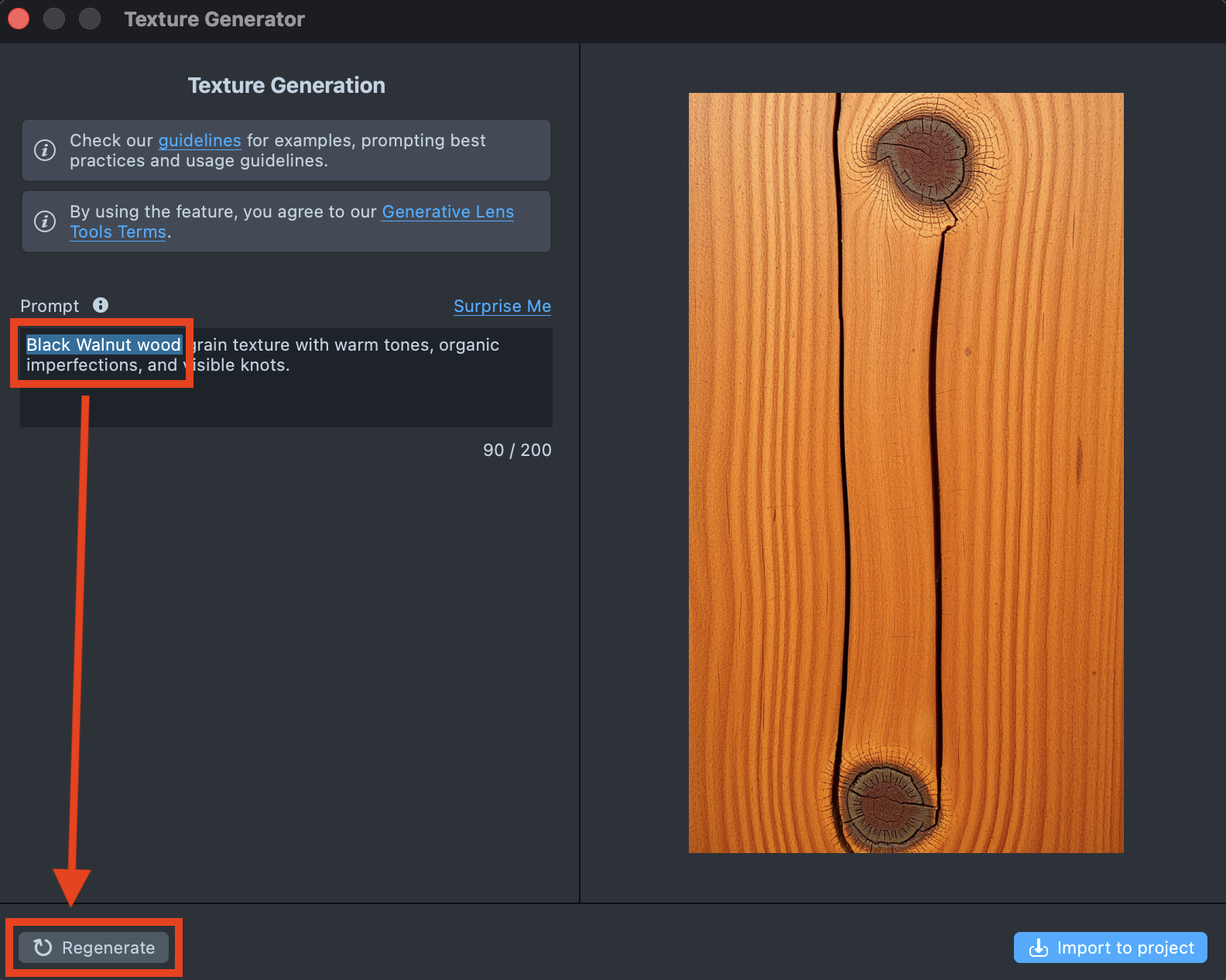
-
When you're happy with the result, select Import to project.
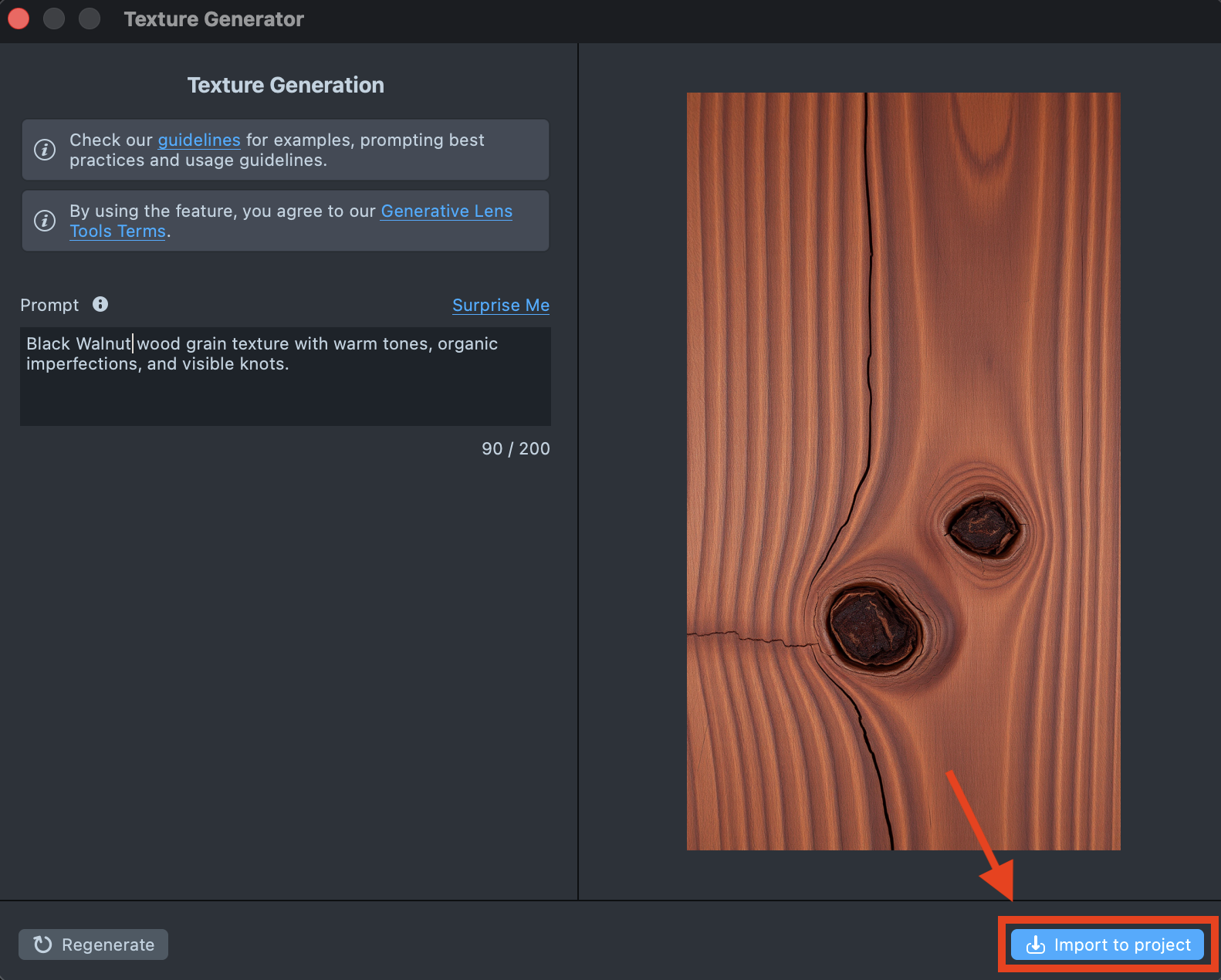
The generated texture appears in the Asset Browser, in a package folder named Texture Generation Result.
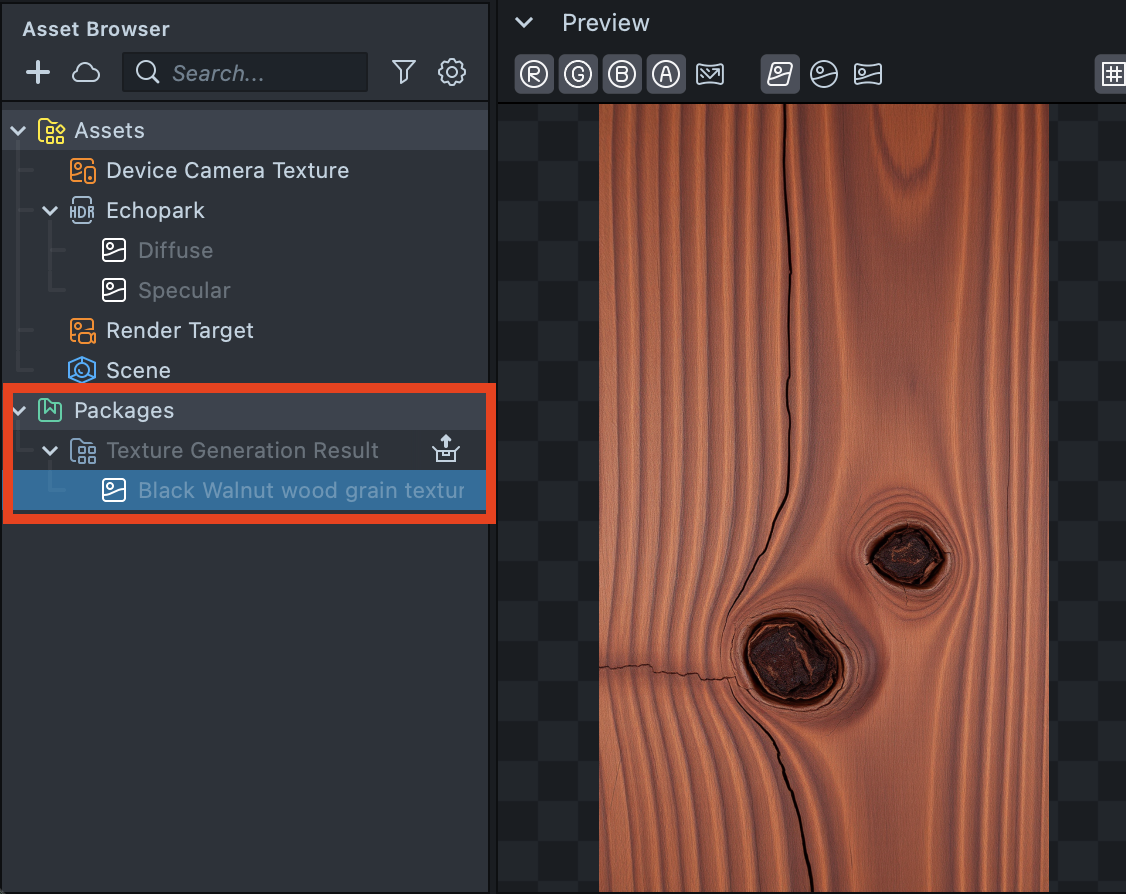
Use and test the generated texture in your Lens
The texture from the Texture Generator is a regular texture asset in the Asset Browser: assign it to a material in your project and continue building your Lens.
When building for SPECS, the generated texture is a regular texture asset, so you can use it in any material in a SPECS Lens.
When building for SPECS, test the Lens in the Preview set to SPECS 27 and send it to SPECS: see Preview Lenses for SPECS and Send a Lens to SPECS.