Permissions Overview
The two kinds of permissions SPECS Lenses use, sensitive user data and external connectivity, and the APIs that request each.
- Snapchat: not supported
- SPECS: fully supported
- Camera Kit Web: not supported
- Camera Kit Mobile: not supported
- SnapchatNot supported
- SPECSFully supported
- Camera Kit WebNot supported
- Camera Kit MobileNot supported
When your Lens uses a capability or component that needs the user's permission, Lens Studio declares that permission in the project for you.
SPECS Lenses use two kinds of permissions:
- Sensitive user data
- External connectivity
Sensitive user data on SPECS
The SPECS camera captures the user's surroundings, so the Lens can place AR content in the room. The microphone captures voice, for features such as recorded videos and voice commands. SPECS can also use location data, for location-based Lenses and features. In the API reference, the pages of the APIs that expose this data note that they're restricted when the Lens uses internet-connected APIs.
When the Lens doesn't use the camera directly, and an API returns processed data, such as face landmarks, hand joints, or surfaces, the Lens doesn't count as using the camera.
External connectivity on SPECS
Some Lenses run on their own, while others communicate with external devices or services, through Connected Lenses or RemoteServiceModule, for example. To protect the user's privacy, a published Lens can combine external connectivity with sensitive user data only through Transparent Permission, which tells the user which data the Lens accesses.
Access to some internal Snap Cloud services, such as Remote Service Gateway, doesn't count as external connectivity. This means that you can use Remote Service Gateway with sensitive user data in published Lenses.
See which permissions your SPECS Lens declares
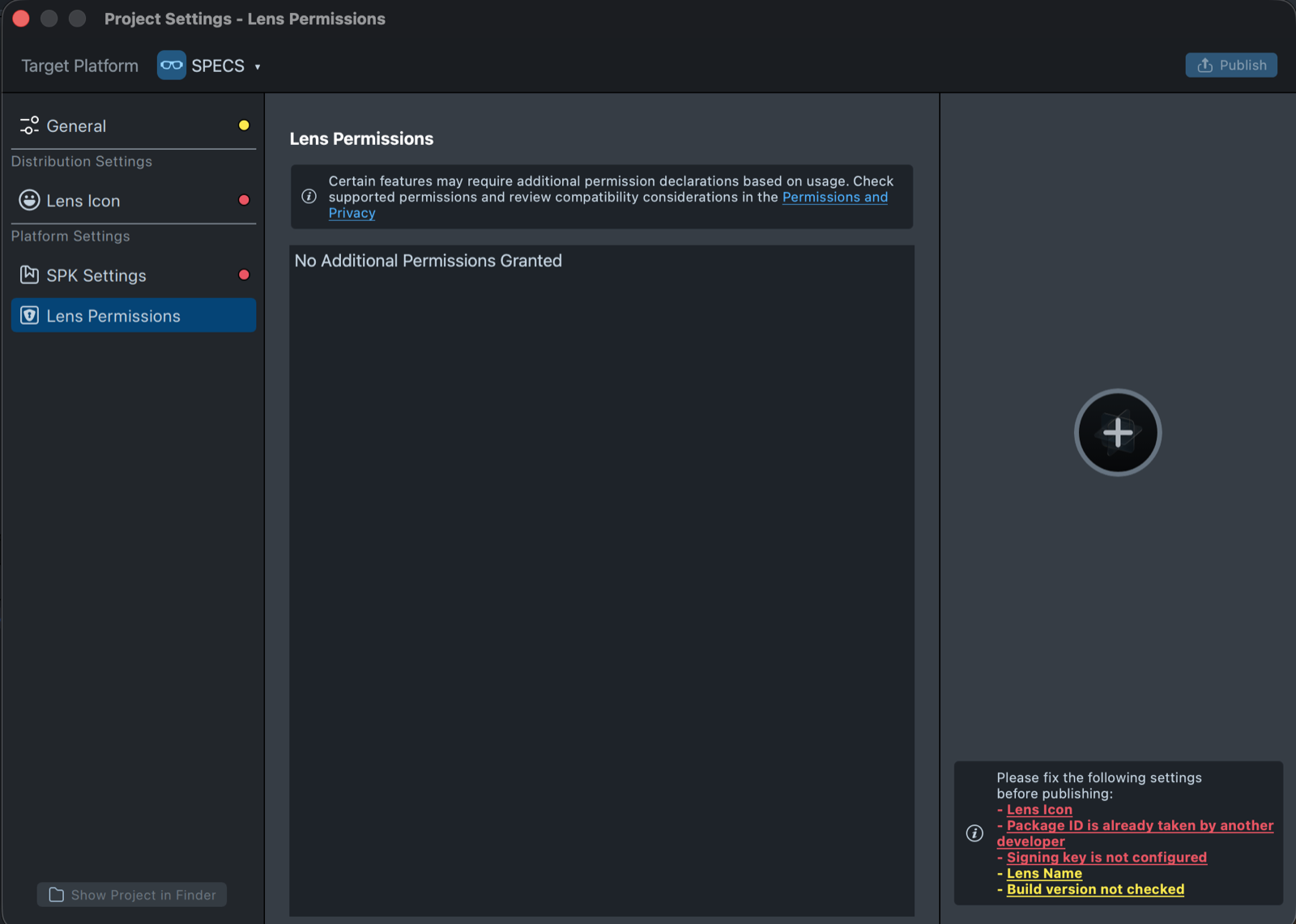
Open Project Settings, and select Platform Settings > Lens Permissions. The page lists the permissions your Lens requests, or No Additional Permissions Granted when it needs none.
Declare permissions for components you create in a script
Sometimes a script creates a component that needs a permission while the Lens runs.
For example, when you dynamically instantiate a HeadComponent through script:
let headComponent = script.getSceneObject().createComponent('Component.Head');
let headLandMarks = headComponent.getLandmarks();
require('LensStudio:FaceTrackingModule');
let headComponent = script.getSceneObject().createComponent('Component.Head');
let headLandMarks = headComponent.getLandmarks();
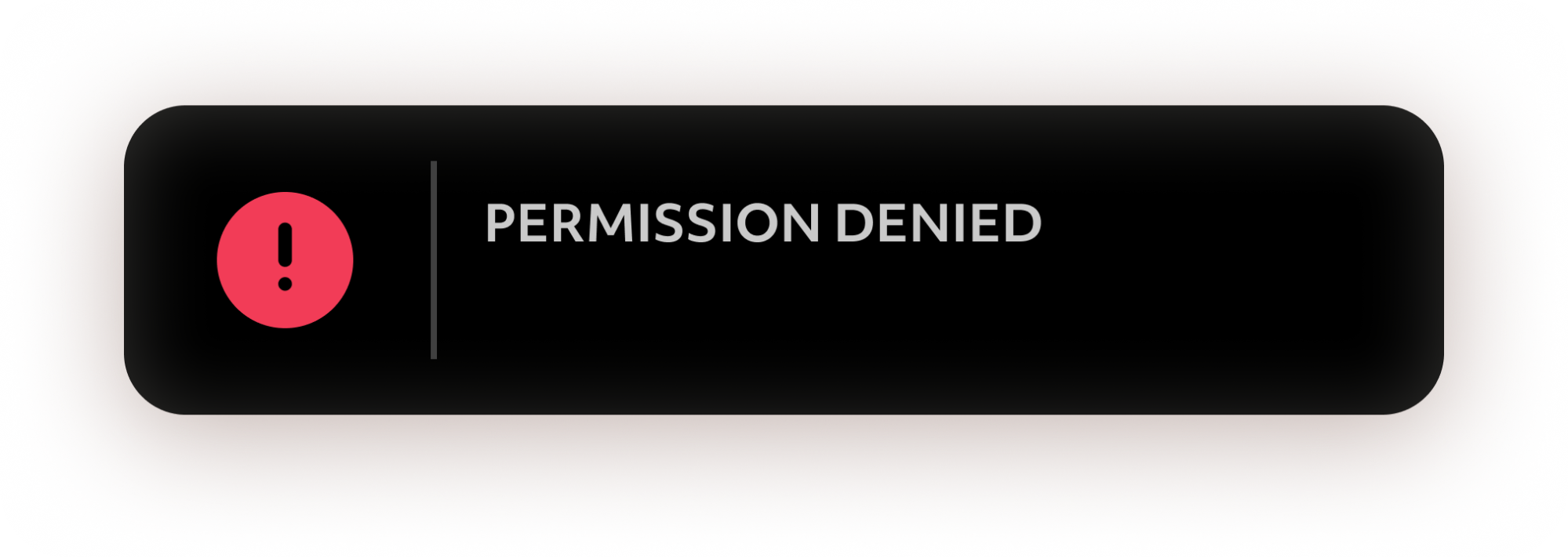
In this case, Lens Studio doesn't declare the permission for you, as it does when you add a HeadComponent to a SceneObject in the Scene Hierarchy panel. Requiring the module, as in the second example, declares it. When a Lens uses a feature whose permission its project doesn't declare, SnapOS denies the permission and shows a notification.
To learn more about the types of permissions Lenses can use, review the List of Permissions Types section.
List of Permissions Types
Each permission type, and the assets and APIs that request it:
| Permission Type | Assets & APIs Requesting Permission |
|---|---|
| Colocated Connected Lenses | ConnectedLensModule |
| Remote Connected Lenses | ConnectedLensModule |
| Remote APIs | RemoteServiceModule RemoteMediaModule |
| Bitmoji | BitmojiModule |
| Camera | CameraModule |
| Camera - SnapML | CameraTextureProvider |
| Microphone | AsrModule |
| Microphone - SnapML | MicrophoneAudioProvider |
| GPS - Precise | RawLocationModule |
| Location - Coarse | ProcessedLocationModule |
| Face | FaceRenderObjectProvider (Mesh) HeadComponent (Landmarks) FaceTrackingModule |
| Foundational Trackers | DeviceTracking DeviceTrackingModule |
| Supplementary Trackers | SegmentationTextureProvider ObjectTrackingAsset MarkerTrackingAsset DepthTextureProvider Point Cloud World Mesh |
| Body Trackers | Object3DAsset |
| Internet | RemoteServiceModule |
| Input Framework (Text) | TextInputModule |