User Purchase Flow
What the user sees on SPECS during an in-Lens purchase: discovery, confirmation, PIN authorization, completion, and how Commerce Kit finalizes ownership or delivery.
- Snapchat: not supported
- SPECS: fully supported
- Camera Kit Web: not supported
- Camera Kit Mobile: not supported
- SnapchatNot supported
- SPECSFully supported
- Camera Kit WebNot supported
- Camera Kit MobileNot supported
When purchaseProduct() runs on SPECS, the system checkout and SPECS App take over. This is
what the user sees end to end. The same device flow applies to non-consumables, consumables, and
subscriptions; after the dialog closes, your Lens handles ownership, consumable delivery, or
subscription renewal—see Examples.
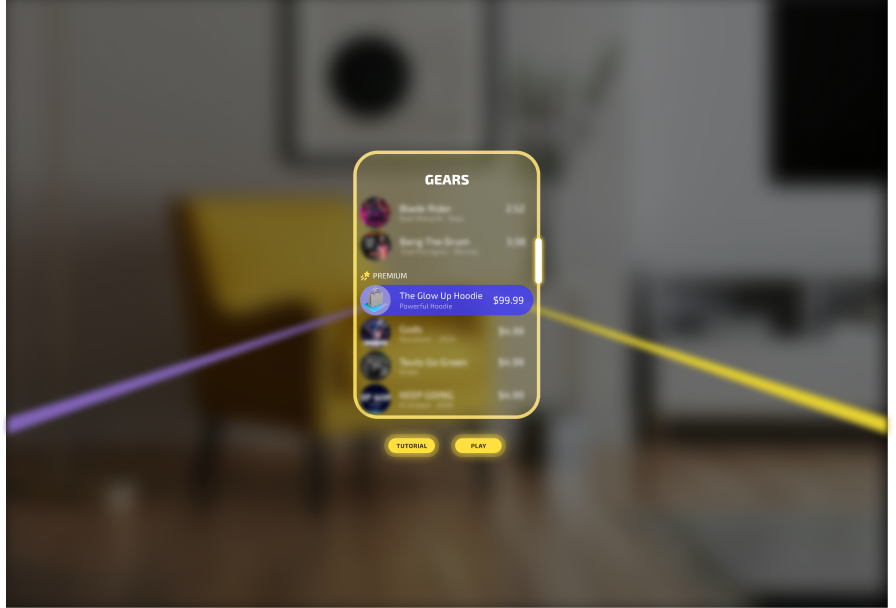
1. Product discovery
The user finds a purchase button in your Lens UI and taps it.
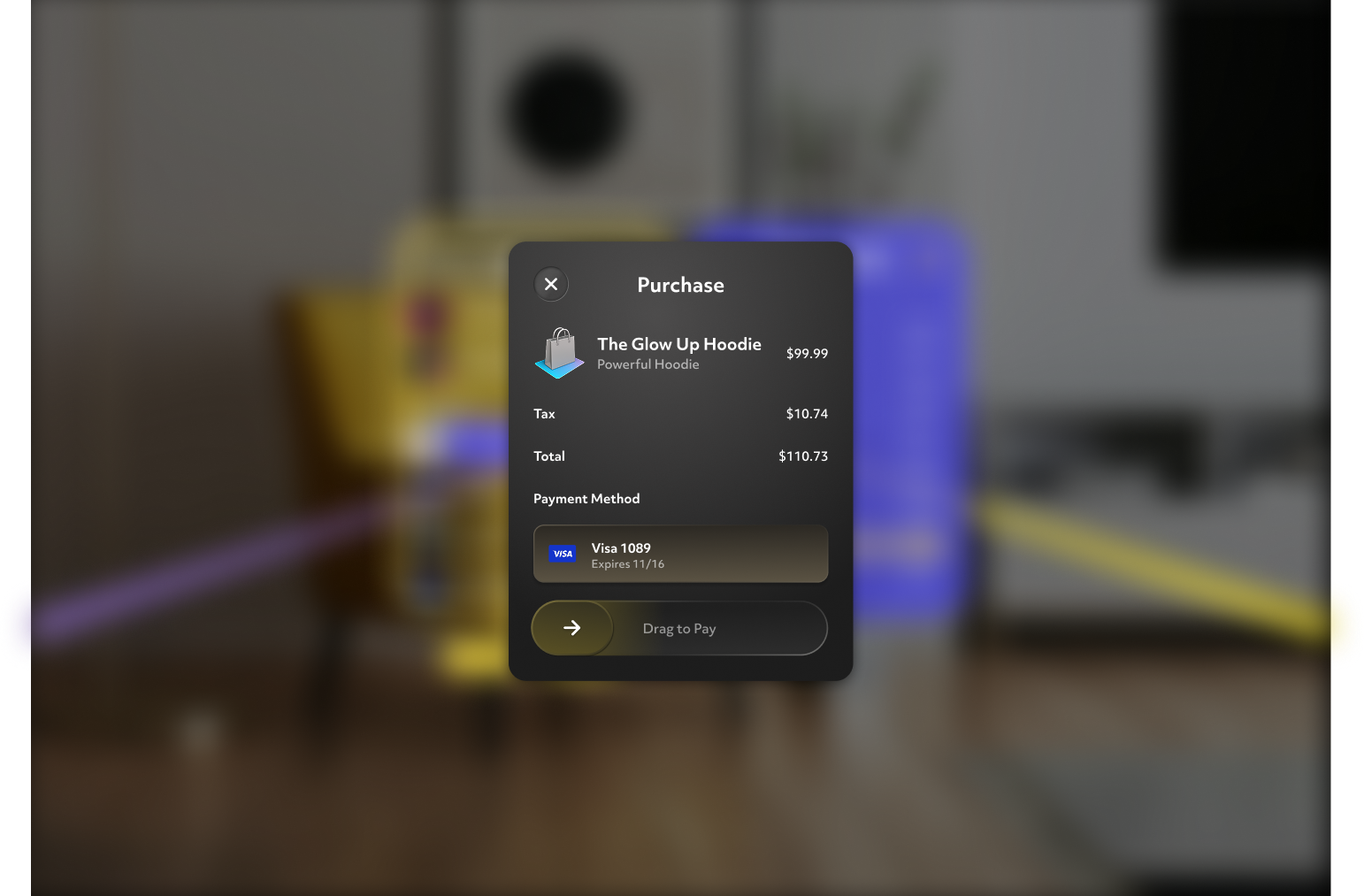
2. Purchase initiation
The user confirms with a pinch-and-drag or poke-and-drag. System UI takes over and the Lens pauses.
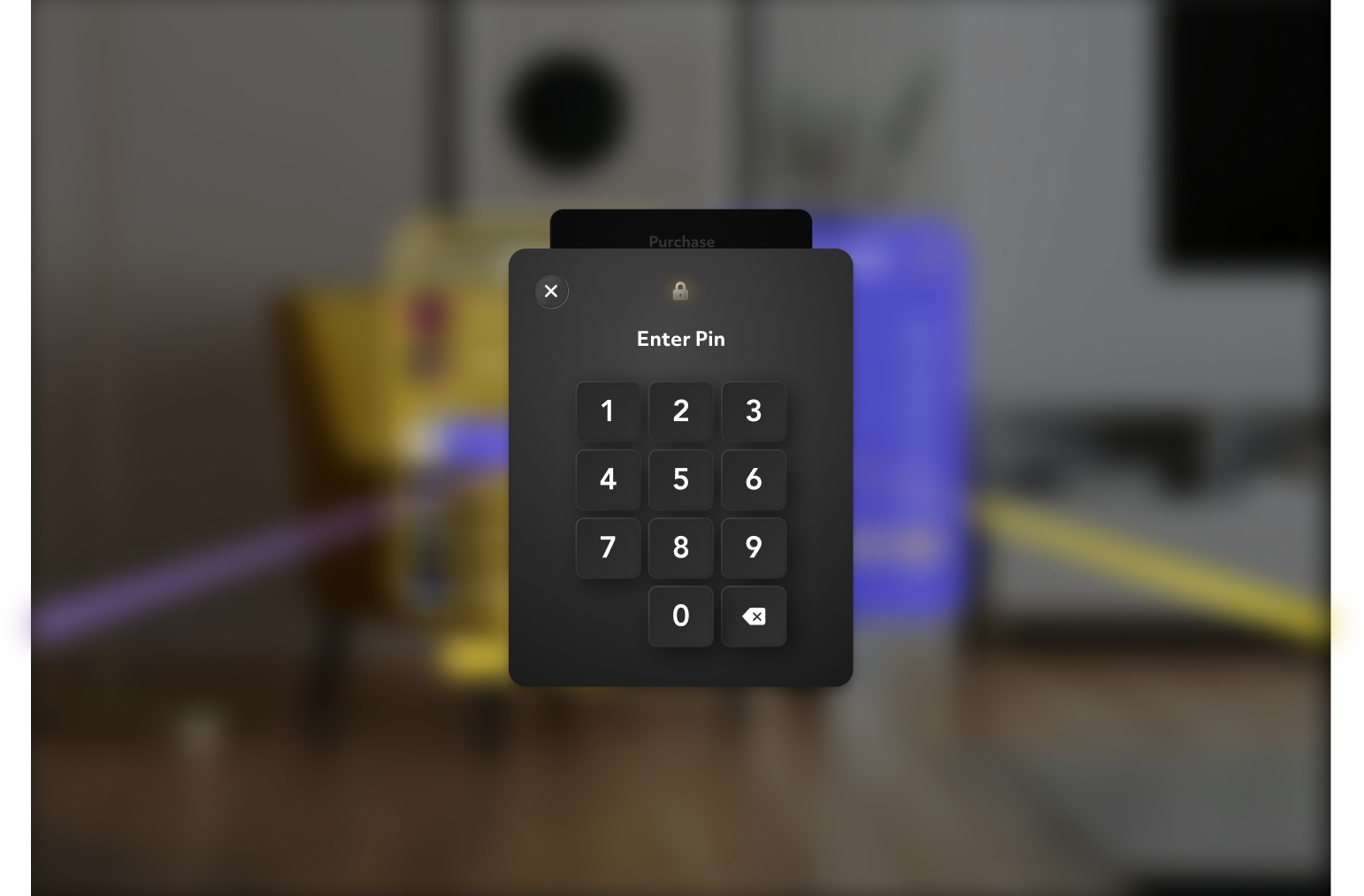
3. Payment authorization
The user enters their 4-digit PIN to authorize the transaction.
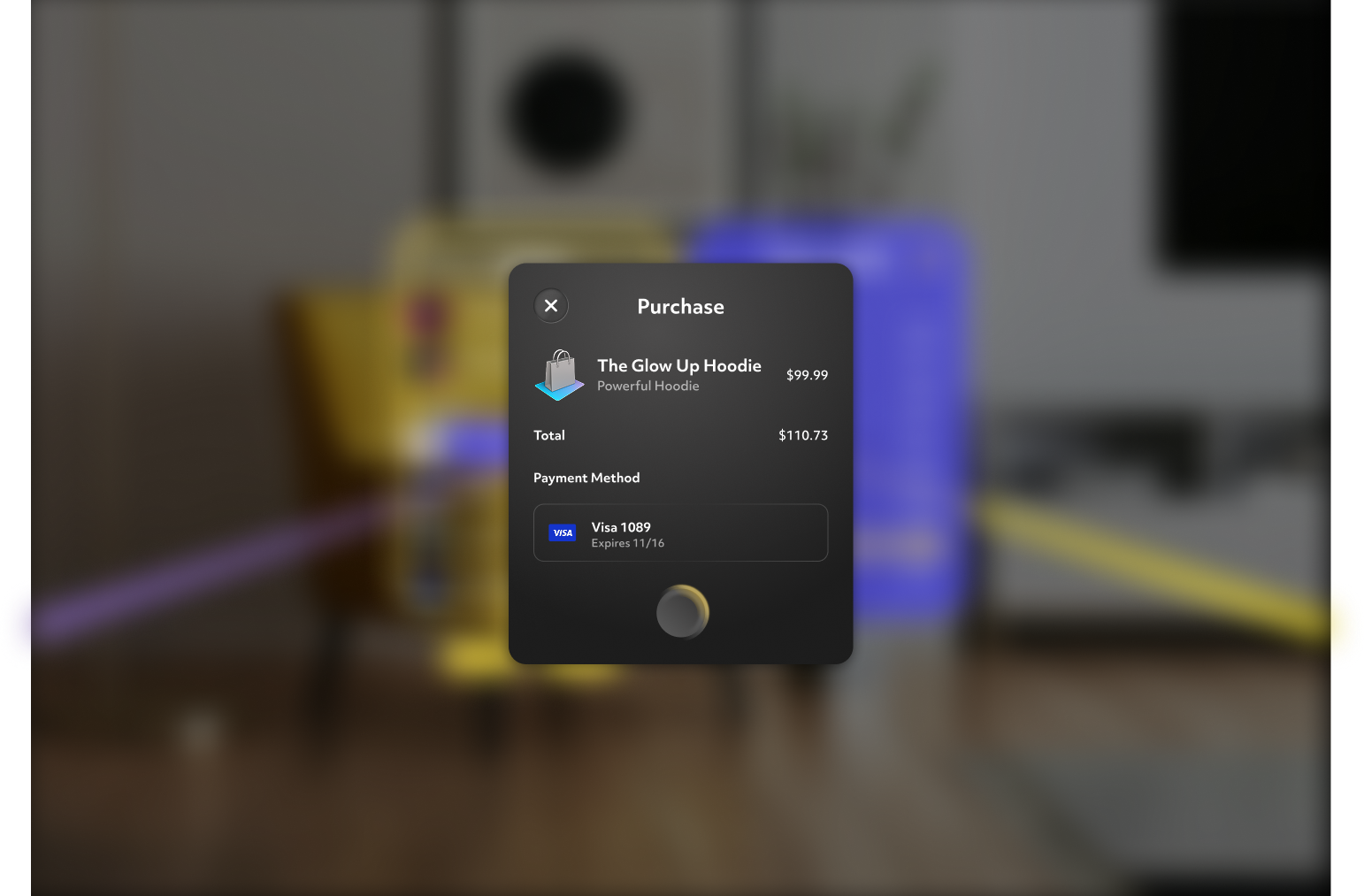
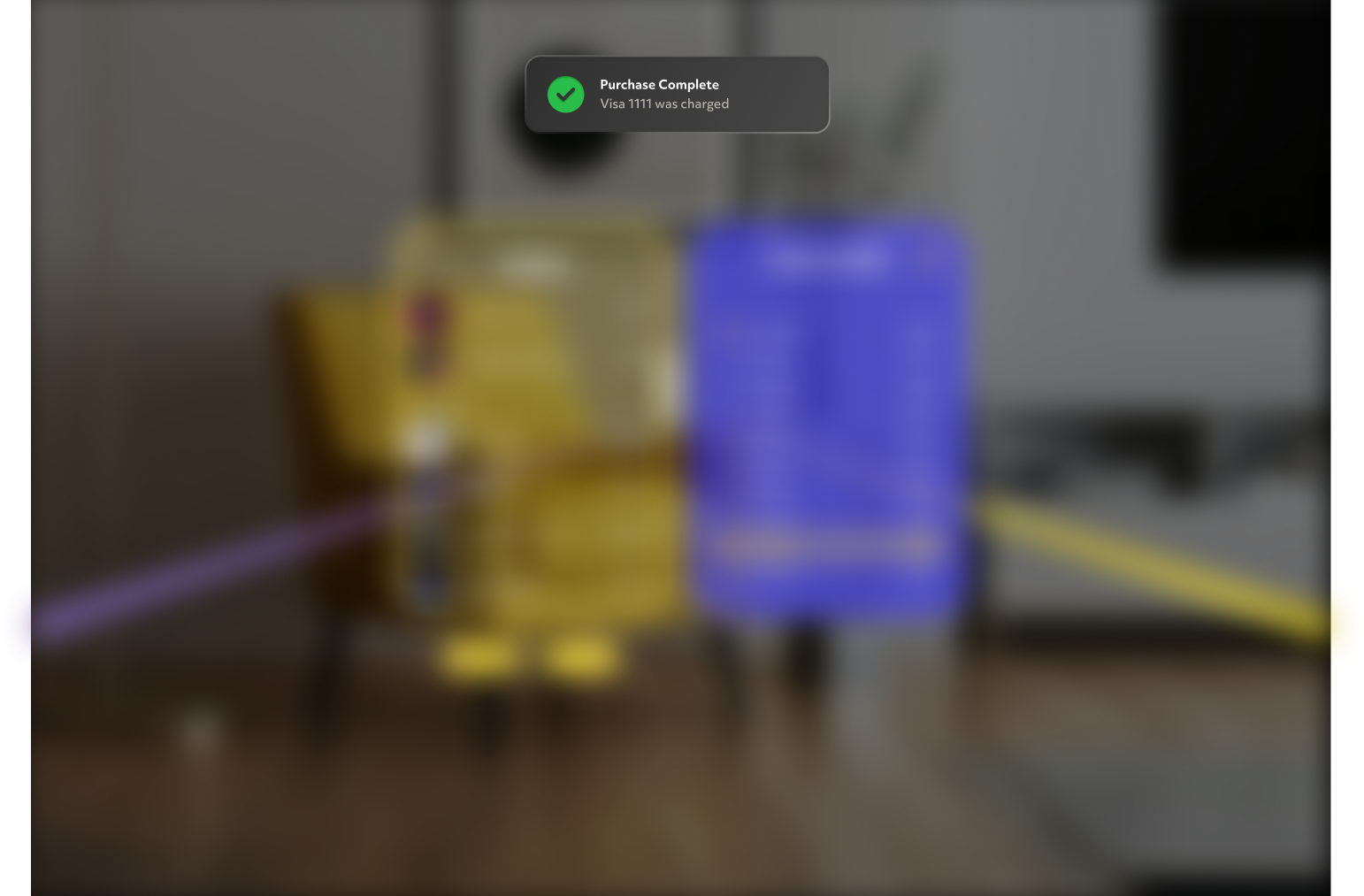
4. Purchase completion
A notification confirms the purchase. The payment dialog closes and the user returns to your Lens.
5. Ownership and delivery in your Lens
After the dialog closes, Commerce Kit finalizes the purchase:
- Non-consumable / subscription: becomes owned (
isProductOwned()). - Consumable: your
registerConsumablehandler runs, then the purchase is consumed.
On later launches, restored purchases keep entitlements in sync—re-render on
onPurchasesChanged. Implementation patterns for each product type are in
Examples.