Nodes > Particles > Particle ( Scale )
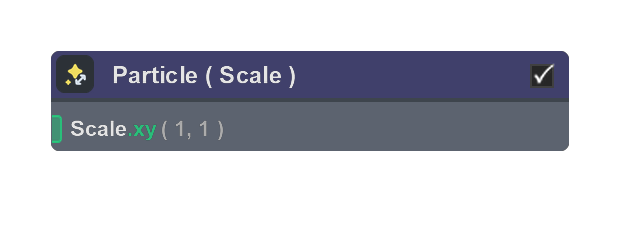
Particle Scale changes the rendered size of each particle in the Output stage.
Use it to apply non-uniform scale to quads or meshes, or to stretch particles based on velocity. For quads, Scale uses X and Y values. For meshes, Scale uses X, Y, and Z values. Velocity Stretch increases the particle length based on the selected velocity vector.
This node affects the rendered particle shape only. It does not change the particle’s simulated Position, Velocity, or Size attribute.
Inputs
| Name | Type | Description |
|---|---|---|
| Scale | float | X and Y size multipliers for the rendered quad. |
| Scale | float | X, Y, and Z size multipliers for the rendered mesh. |
| Velocity Stretch Amount | float | Multiplier for velocity based stretch. 0 gives no stretch. |
| Custom Velocity | float | Velocity vector used for Velocity Stretch when Custom Velocity is enabled. |
Properties
| Name | Type | Description |
|---|---|---|
| Enable Scale | bool | When enabled, shows the Scale input and applies its size multipliers. When disabled, the node does not apply manual scaling, but Velocity Stretch can still stretch the particle if Velocity Stretch is enabled. |
| Velocity Stretch | bool | When enabled, stretches the rendered particle based on velocity. When disabled, velocity does not affect the particle’s scale. |
| Custom Velocity | bool | When Custom Velocity is enabled, the stretch uses the Custom Velocity vector instead of the particle’s Velocity attribute. |