Tournament
- Snapchat: fully supported
- SPECS: not supported
- Camera Kit Web: fully supported
- Camera Kit Mobile: fully supported
- SnapchatFully supported
- SPECSNot supported
- Camera Kit WebFully supported
- Camera Kit MobileFully supported
The sample project demonstrates a Tournament game where the user sees the grid with different things and the user can choose between 2 options by tilting the head or tapping until selecting the favorite one and then the grid disappears.
Customizing the Sample Project
To edit the label, find Name Tagline [EDIT_ME] object in VFX_FG Camera:
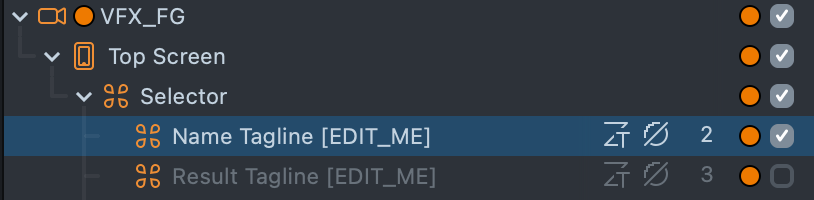
It has a Text Component that you can change. The Result Tagline [EDIT_ME] SceneObject comes right after the tagline, where you can modify the tagline that presents in the final screen.
To modify tournament options (labels and images), select Tournament [TRY_ME] SceneObject under the Scripts:
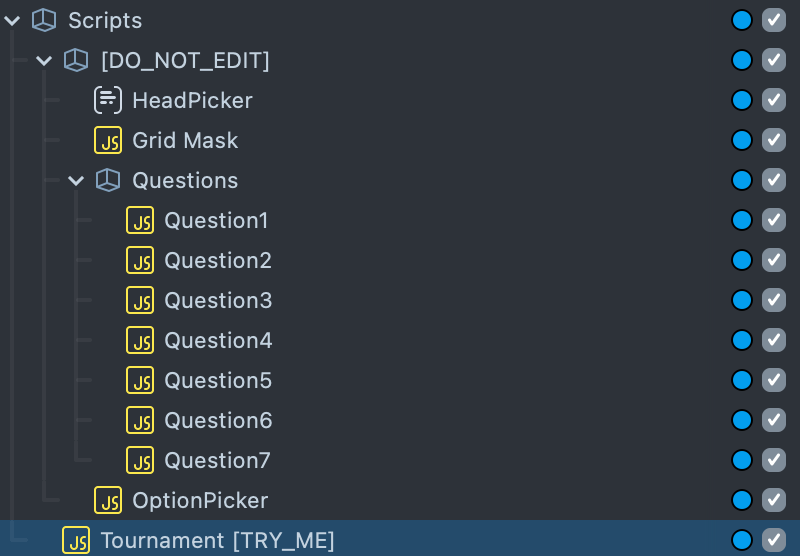
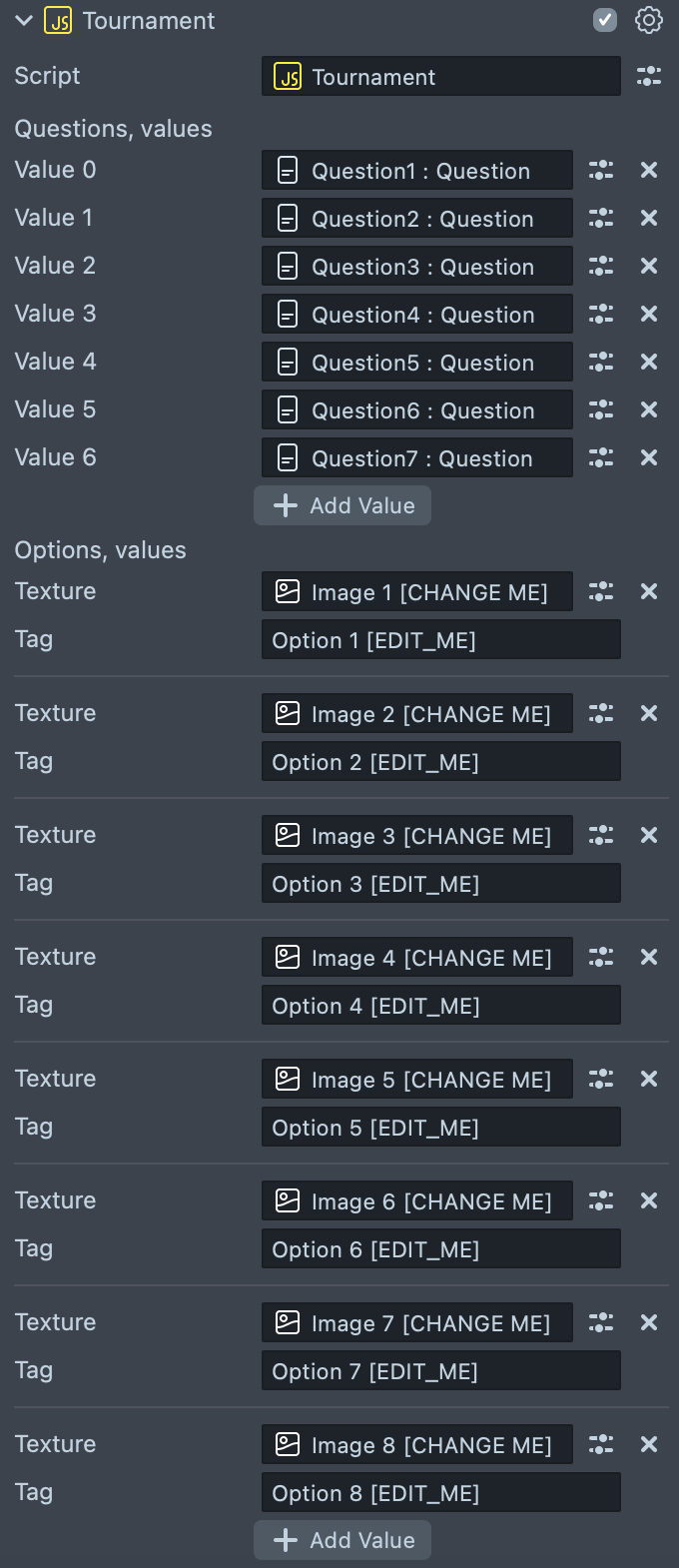
A ScriptComponent on this SceneObject controls the tournament. You can adjust Options input by changing the tag (the label that presents along with option on the top on the screen) and the texture (option’s picture).
Previewing Your Lens
You’re now ready to preview your Lens experience.
To preview your Lens in Snapchat, follow the Pairing to Snapchat guide.